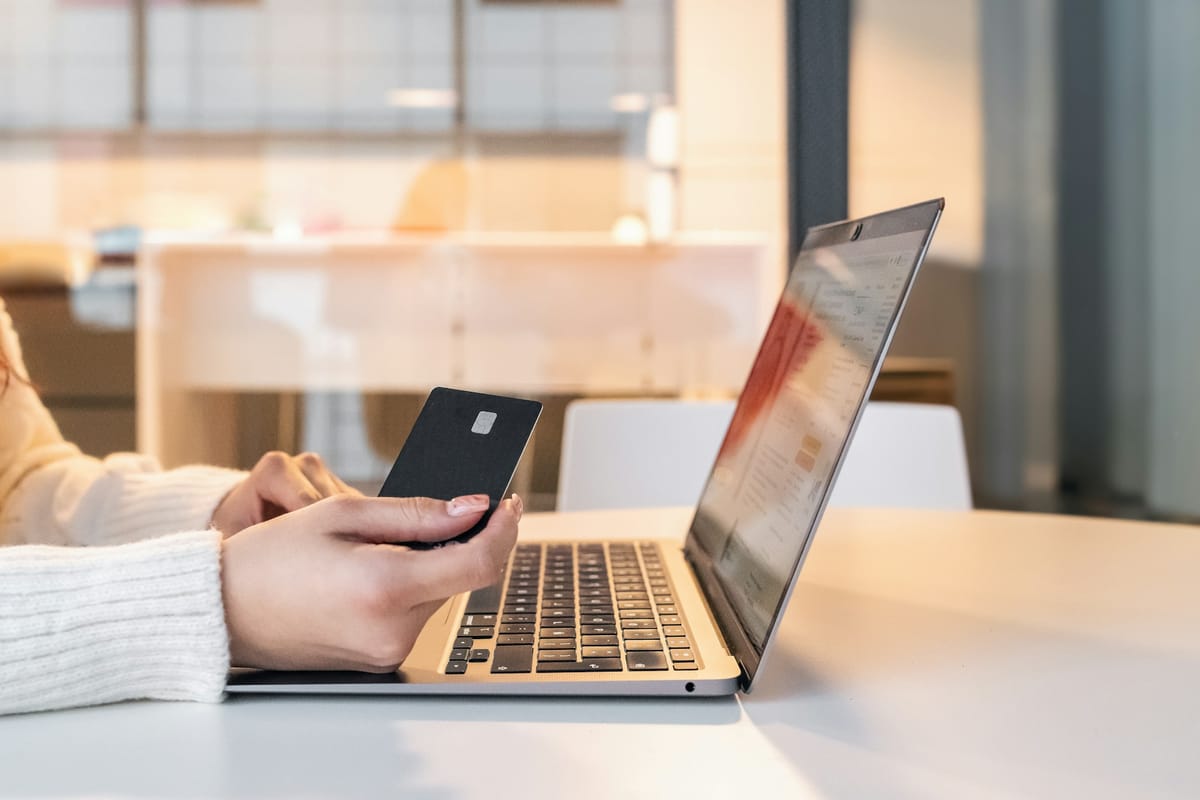
Mobile and internet banking are convenient, and the banks’ systems are well protected. Most bank fraud succeeds by tricking the customer, or by stealing a phone or password. These habits close the common gaps.
Ten habits that protect your bank account
- Use only your bank’s official app, installed from Google Play or the App Store. Never install a banking app from a link.
- Never share your PIN, password or OTP. No bank staff will ask for them by phone, SMS, email or WhatsApp.
- Use a strong, unique password for banking, not the one you use for Facebook or Gmail.
- Turn on every security feature your bank offers: fingerprint or face login, transaction PINs, and device registration.
- Turn on SMS or email alerts for every transaction, so you notice anything strange immediately.
- Lock your phone with a PIN or fingerprint. A stolen, unlocked phone is an open door.
- Use mobile data rather than public Wi-Fi for banking.
- Type your bank’s address yourself or use the app; never log in through a link in a message. See how to spot phishing messages.
- Protect your SIM. Your bank sends OTPs to your number, so a SIM swap can expose your account. See SIM swap fraud.
- Log out when you finish, especially on a shared computer.
Calls “from your bank”
A common trick: someone calls claiming to be from your bank’s fraud team, warns of a suspicious transaction, and asks you to “confirm” your card number, PIN or the code just sent to you. That code authorises the very transaction they are making.
If something looks wrong
- Call your bank immediately using the official number, and ask them to block your card or online access.
- Change your banking password from a device you trust.
- Check your email and phone for password-reset messages you did not request.
- Report it to the police and the Cyber Security Authority.
Choosing between MoMo, a bank app and a card? See MoMo, bank app or card: how to choose.
This guide was checked in October 2026. Menus and services change, so if something looks different on your phone, check with your provider.
Common questions
Will my bank ever ask for my PIN or OTP?
No. Banks do not ask for your PIN, password or OTP by phone, SMS, email or WhatsApp. Anyone who asks is a scammer.
Is it safe to use mobile banking on public Wi-Fi?
It is safer to use your mobile data. If you must use public Wi-Fi, only use your bank’s official app, never a link.
What should I do if I see a transaction I did not make?
Call your bank immediately on the number on the back of your card or its official website, and ask them to block the card or account.
Should I use the bank app or the website?
The official app from Google Play or the App Store is usually safer, because you avoid fake websites and phishing links.