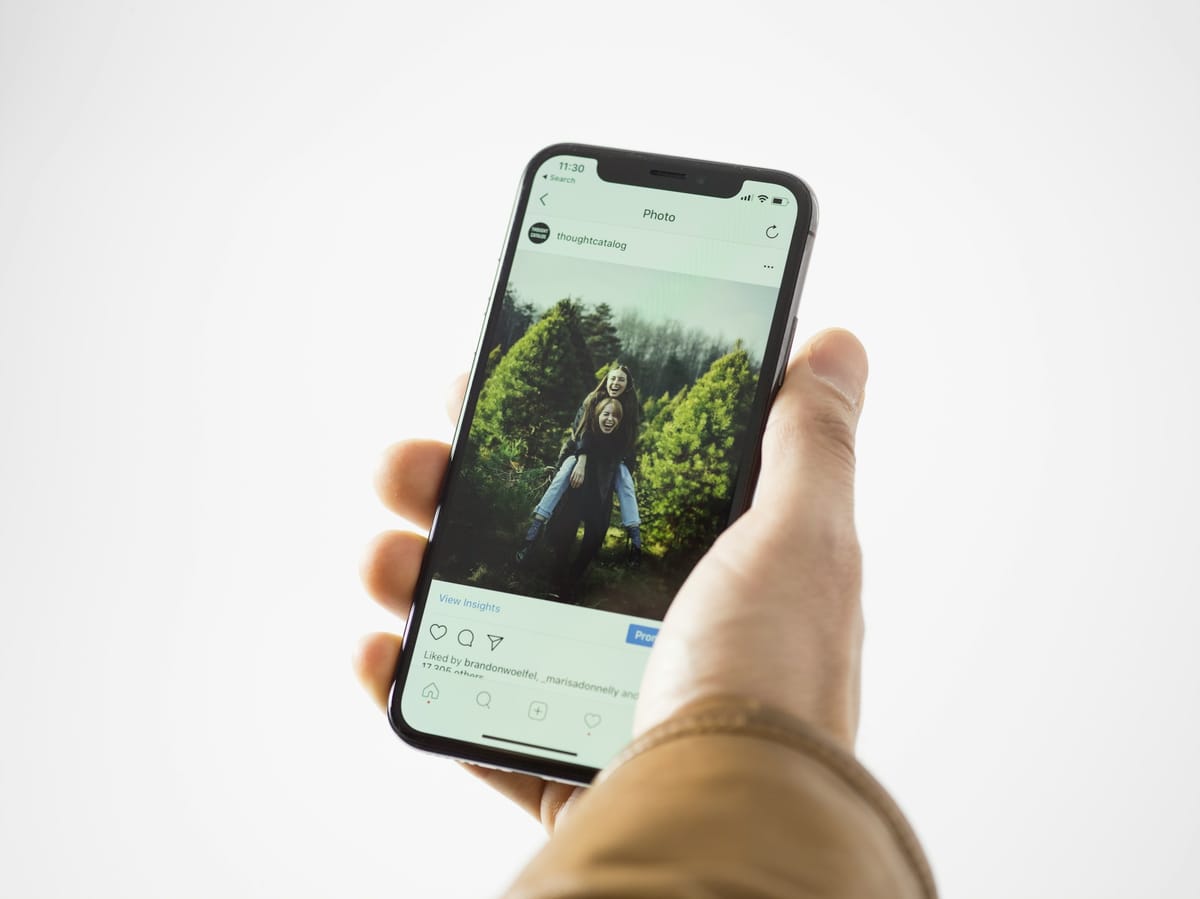
Good news first: when you delete a photo or video on iPhone, it is not gone immediately. It moves to the Recently Deleted album, where Apple keeps it for 30 days.
Step 1: Check Recently Deleted
- Open the Photos app.
- Scroll to Utilities and tap Recently Deleted.
- Unlock the album with Face ID, Touch ID or your passcode.
- Tap Select, choose the photos, then tap Recover.
The photos go back to your library. The album shows how many days each item has left.
Step 2: Check the Recovered album
Apple notes that some items may appear in a Recovered collection rather than Recently Deleted. Look in Utilities for it.
Step 3: Check your other copies
- iCloud.com: sign in at icloud.com, open Photos, and check Recently Deleted there.
- Google Photos or other backup apps: if you back up there, the photo may still be in that app, or in its own bin.
- WhatsApp: if the photo was sent or received on WhatsApp, it may still be in the chat.
- A computer backup: if you back up your iPhone to a computer, an older backup may contain the photo. Restoring a backup replaces what is on the phone now, so think carefully.
Why a photo might not be in Recently Deleted
- More than 30 days have passed.
- You chose “Delete All” in Recently Deleted.
- Apple warns that if you exceed your iCloud storage limit, your device removes deleted photos and videos immediately, so they will not be in Recently Deleted.
Never lose photos again
- Turn on iCloud Photos, or a second backup like Google Photos.
- Copy important photos to a computer or external drive every few months.
- Before deleting in bulk, check you are not also deleting from iCloud on all your devices.
Short on space? See how to free up iPhone storage.
This guide was checked in October 2026. Menus and services change, so if something looks different on your phone, check with your provider.
Common questions
How long can I recover deleted photos on iPhone?
Apple keeps deleted photos and videos in Recently Deleted for 30 days. After that they are removed.
Can I recover photos deleted more than 30 days ago?
Only from a backup made before they were deleted, such as an iCloud or computer backup, or a copy in another app like Google Photos.
Why are my photos not in Recently Deleted?
Apple warns that if your iCloud storage is full, deleted photos may be removed immediately. Also check whether they were deleted on another device signed in to the same iCloud.
Do photo recovery apps work?
Be very careful. Many are scams or need full access to your phone. Stick to Apple’s methods and your own backups.