If your phone used to last all day and now dies by afternoon, something has changed. Work through these causes in order.
1. See what’s using your battery
- Android: Settings → Battery → Battery usage.
- iPhone: Settings → Battery.
If one app is using far more than others, update it, restrict it or uninstall it.
2. Screen brightness and timeout
The screen is usually the biggest drain. Turn on adaptive or auto-brightness, set screen timeout to 30 seconds–1 minute, and use dark mode on AMOLED phones.
3. Weak network signal
In weak coverage, the phone boosts power to stay connected. If you’re in a poor-signal area (or a building that blocks signal), switch to Wi-Fi or turn on airplane mode when you don’t need calls.
4. Background apps and data
- Restrict background activity for apps you rarely use.
- Turn off auto-sync for accounts you don’t need.
- See stop apps using background data.
5. Location, Bluetooth, hotspot
Turn off location for apps that don’t need it, and switch off Bluetooth and hotspot when not in use.
6. Heat
Heat damages batteries. Don’t leave your phone in a hot car or charge it under a pillow. See why is my phone overheating.
7. Software and malware
Update your phone and apps. Unknown apps that show ads everywhere can drain battery: see block ads and pop-ups and is my phone hacked?.
8. An ageing battery
Batteries wear out after a few hundred to over a thousand charge cycles. On iPhone, Settings → Battery → Battery Health shows capacity; below about 80%, consider a replacement at an authorised centre. If the phone swells, gets very hot or shuts down at 20–30%, get it checked.
Quick wins
- Turn on battery saver at 20%.
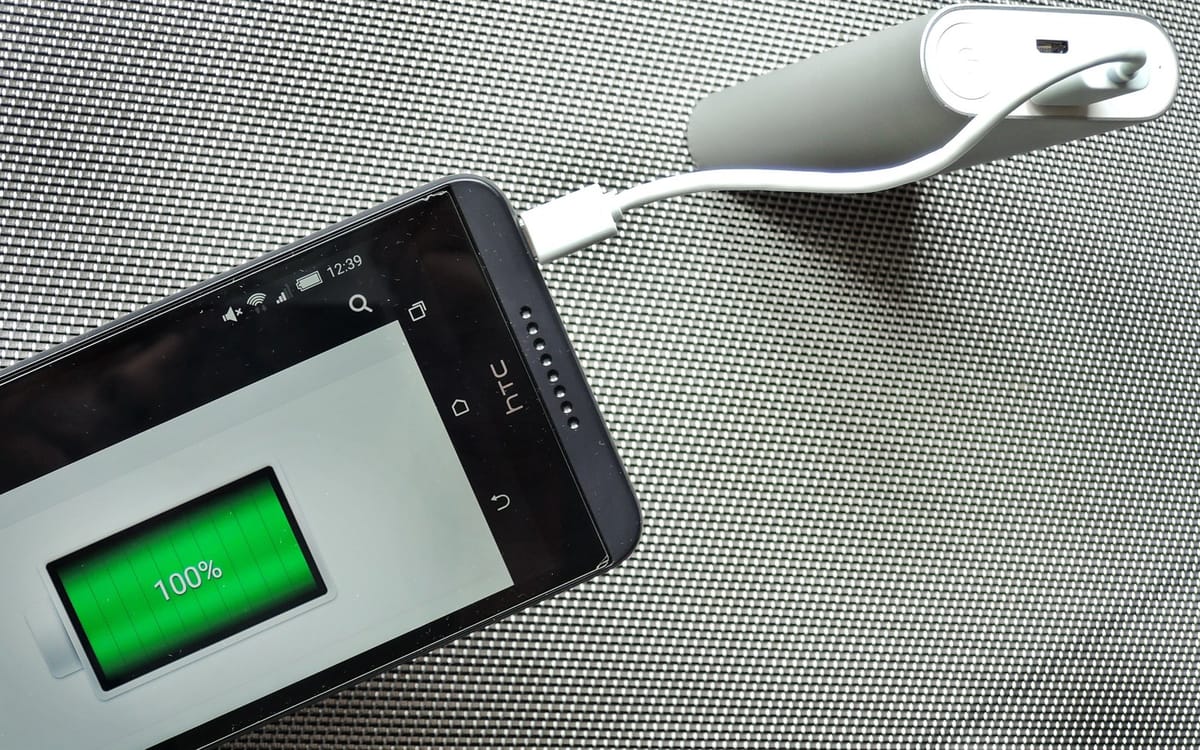
- Use a reliable power bank: buy a power bank that isn’t lying.
- Shopping for a new phone? See phones with the best battery life.
Fast drain after an update?
After a big system update, phones re-index files and optimise apps for a day or two, which uses more battery. Give it 48 hours before worrying.
Charger and cable quality
Cheap chargers can charge slowly or damage batteries. Use the original charger or a reputable brand with the right wattage.
When to see a technician
- Battery drops from 40% to 0% suddenly.
- Phone gets hot when idle.
- Battery swelling (screen lifting or back bulging): stop using it immediately.
This guide was checked in October 2026. Menus and services change, so if something looks different on your phone, check with your provider.
Common questions
Why does my battery drain fast even when I’m not using the phone?
Usually background apps, weak network signal or a misbehaving app. Check Settings → Battery to see what’s using it.
Does weak signal drain the battery?
Yes. In poor coverage the phone works harder to stay connected.
How do I check battery health on Android?
Some phones show it in Settings → Battery; others don’t. A battery that drops fast and gets hot may need replacing.
Is it OK to charge my phone overnight?
Modern phones manage this, especially with adaptive or optimised charging turned on.