

A laptop that dies in an hour is frustrating, especially during dumsor. These steps can add hours of use.
1. Turn on Battery saver
Settings → System → Power & battery → Battery saver → turn on automatically at 20% (or higher).
2. Power mode and brightness
- Choose Best power efficiency in Power mode.
- Lower screen brightness; it’s one of the biggest drains.
- Turn off keyboard backlight when not needed.
3. Find power-hungry apps
Settings → System → Power & battery → Battery usage. Close or uninstall apps that use a lot in the background.
4. Reduce background activity
- Close unused browser tabs.
- Disable startup apps you don’t need (Task Manager → Startup apps).
- Pause OneDrive sync when on battery.
5. Check battery health
- Search “cmd” and open Command Prompt.
- Type powercfg /batteryreport and press Enter.
- Open the HTML file it creates. Compare Design capacity with Full charge capacity.
If full charge is much lower than design (for example 30,000 vs 50,000 mWh), the battery is worn.
6. Care for the battery
- Avoid heat: laptop overheating fixes.
- Use battery care settings (charge to 80%) from your laptop maker’s app if available.
- Use a quality charger.
During dumsor
A power bank with USB-C PD output (65W+) can charge many modern laptops. See buy a power bank that isn’t lying.
Typical battery life to expect
| Laptop type | Realistic battery life |
|---|---|
| Old used business laptop (worn battery) | 1–3 hours |
| Budget new laptop | 4–6 hours |
| Efficient ultrabook (U-series, Apple M-series) | 8–15 hours |
| Gaming laptop | 2–5 hours |
Replacing a laptop battery
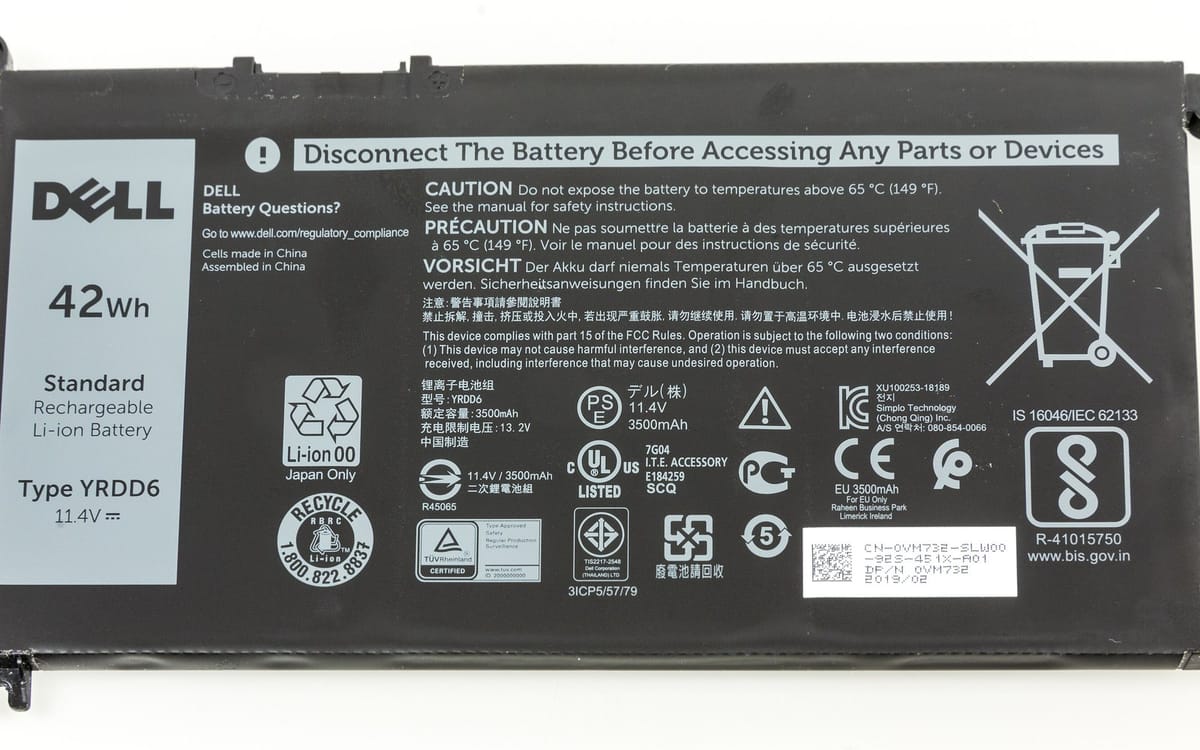
- Find the exact battery model number (on the battery or in the battery report).
- Prefer original or reputable high-quality batteries; cheap ones may swell.
- Use a technician with good reviews; ask for a warranty on the battery.
Safety
Stop using a laptop if the battery swells (trackpad lifting, case bulging) or it smells of burning. Swollen batteries can catch fire.
This guide was checked in October 2026. Menus and services change, so if something looks different on your phone, check with your provider.
Common questions
How do I check my laptop battery health?
Open Command Prompt and run powercfg /batteryreport, then open the report to compare design and full-charge capacity.
Is it bad to keep my laptop plugged in?
Many laptops have battery care settings that stop at 80%. Use them if you’re usually plugged in.
How long should a laptop battery last?
Batteries wear over 2–4 years. If capacity is under about 60–70% of design, consider a replacement.
Can I replace a laptop battery in Ghana?
Yes, at repair shops; prefer genuine or high-quality batteries and reputable technicians.


