

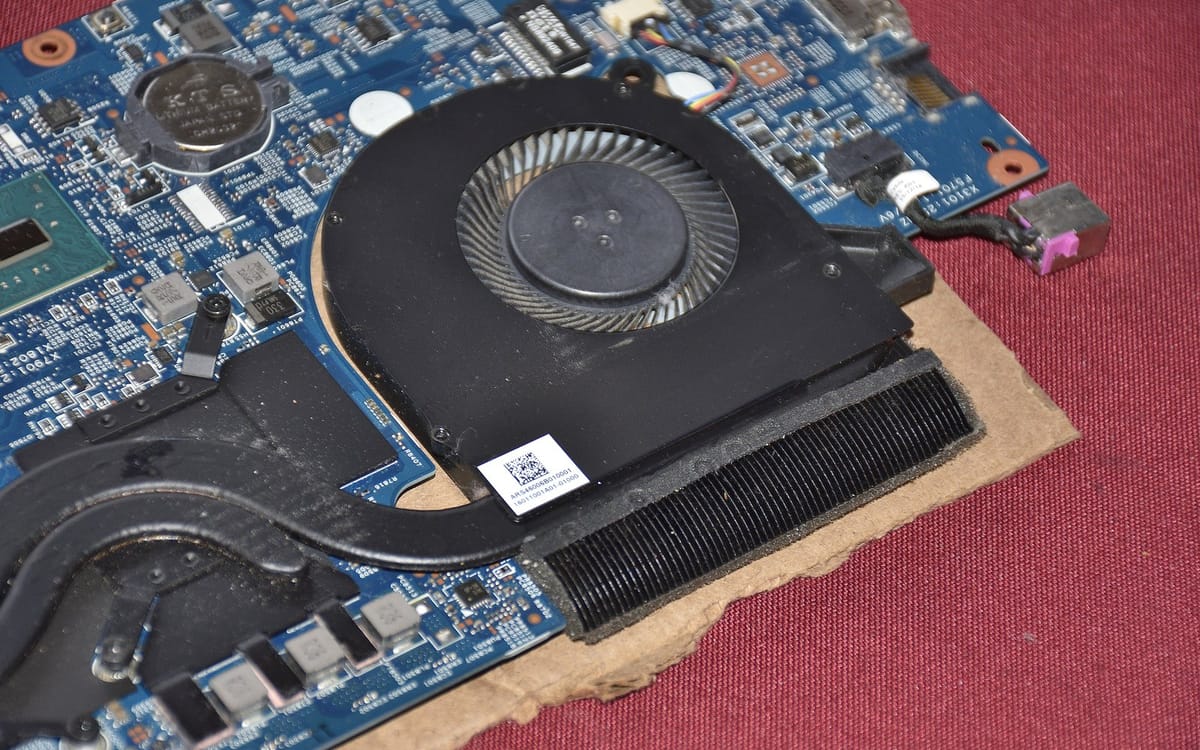
Ghana’s heat makes laptop overheating common. Heat slows your laptop, shortens battery life and can damage parts. Here’s how to fix it.
Quick fixes
- Use the laptop on a hard, flat surface, not a bed, pillow or lap.
- Keep vents clear (check the sides and bottom).
- Work in a cooler, shaded spot; avoid direct sun.
- Close heavy apps and browser tabs you’re not using.
Check what’s using power
Press Ctrl+Shift+Esc → Task Manager. Sort by CPU. If something unknown is using lots of CPU, it may be malware or a stuck update. See free antivirus for Windows.
Power settings
Settings → System → Power & battery → Power mode → choose Balanced or Best power efficiency when you don’t need full performance.
Clean the dust
Dust blocks fans and vents. With the laptop off, use short bursts of compressed air into the vents. For a deeper clean (opening the case, replacing dried thermal paste), use a reputable technician, especially if the laptop is 2+ years old.
Use a cooling pad
A cooling pad with fans helps laptops with bottom vents. Even raising the back slightly improves airflow.
Warning signs
- Laptop shuts down suddenly when hot.
- Fan is very loud constantly, or silent when hot.
- Battery swelling (trackpad or case bulging): stop using and get it checked.
Battery dying fast too? See laptop battery draining fast.
Normal vs worrying temperatures
Laptops get warm under load; that’s normal. Worry if it’s too hot to touch, the fan never stops roaring, performance drops sharply, or it shuts down. Free tools like HWMonitor can show temperatures if you want numbers.
Gaming and video editing
- Use a cooling pad and a hard surface.
- Lower graphics settings or cap the frame rate.
- Plug in power but avoid charging to 100% all day if your laptop has battery care settings.
Dust and Harmattan
Dusty months clog vents faster. Clean vents more often during Harmattan, and keep the laptop in a bag when not in use.
This guide was checked in October 2026. Menus and services change, so if something looks different on your phone, check with your provider.
Common questions
Why does my laptop get so hot?
Blocked vents, dust in the fan, heavy apps, hot rooms and dried thermal paste are the main causes.
Is it bad to use a laptop on the bed?
Yes. Soft surfaces block the vents and trap heat.
Do cooling pads work?
They help, especially for laptops with bottom vents and in hot rooms.
When should I see a technician?
If it shuts down from heat, the fan is very loud or silent, or it’s over 2–3 years old and never cleaned.


