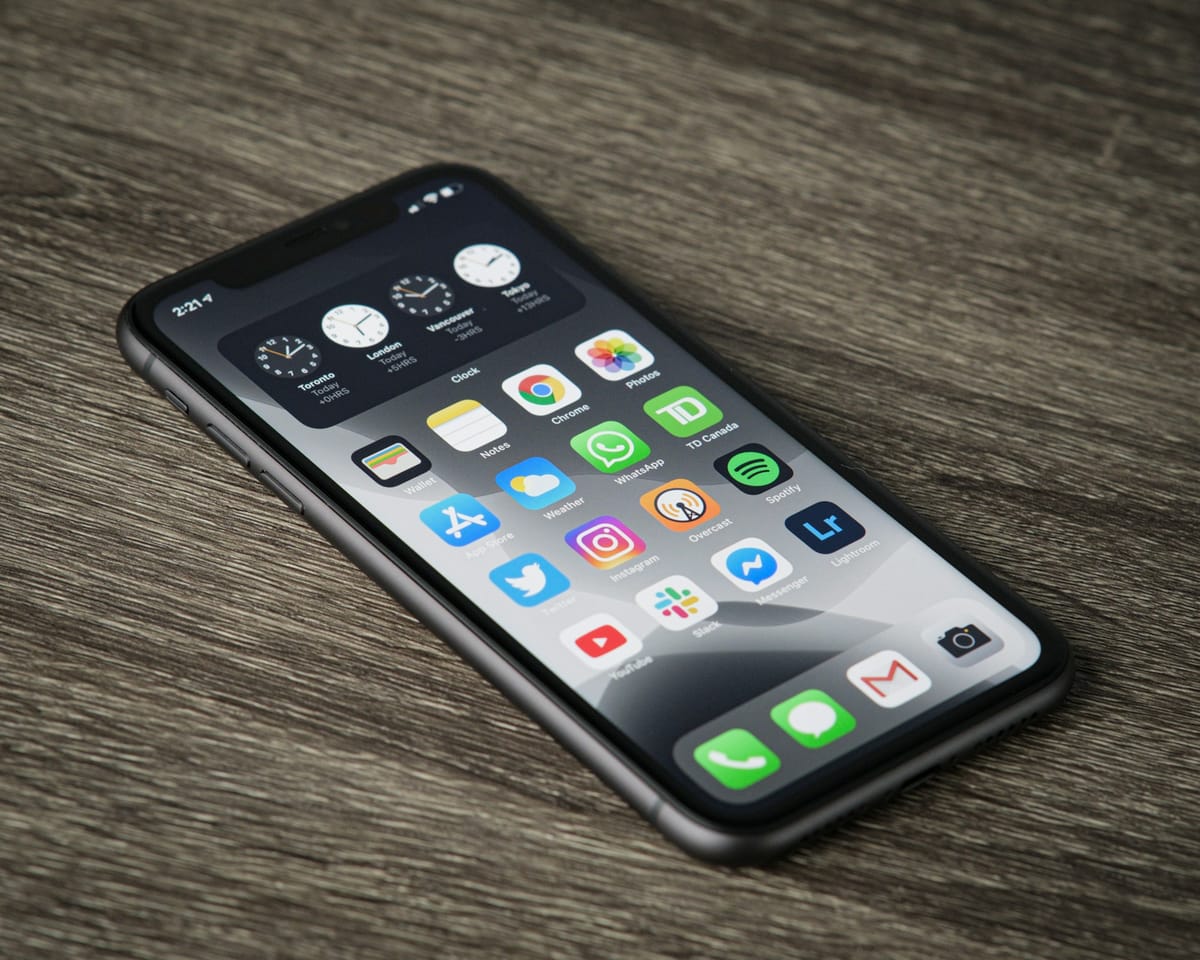
Apps store temporary files, called cache, to load faster. Over time the cache can grow large or get corrupted, causing glitches. Clearing it is safe and quick.
Cache vs storage: know the difference
- Clear cache: Google says this deletes temporary data. Your logins, chats and settings stay. Some apps may be slower the next time you open them.
- Clear storage (or clear data): Google says this permanently deletes all app data. The app returns to how it was when first installed. Try deleting data inside the app first.
How to clear an app’s cache
- Open Settings.
- Tap Apps (on some phones, Apps & notifications, then See all apps).
- Tap the app.
- Tap Storage & cache (or Storage).
- Tap Clear cache.
Menu names vary slightly between Samsung, Tecno, Infinix and other brands; look for Storage inside the app’s settings page.
Clear Chrome’s cache
Open Chrome → three dots → Delete browsing data (or History → Clear browsing data). Tick Cached images and files. Leave cookies unticked if you do not want to be signed out of websites.
When clearing cache helps
- An app keeps crashing or freezing. See how to fix apps that keep crashing.
- An app is using a surprising amount of space.
- Images or content will not refresh.
When it does not help
Google calls clearing cache a short-term fix: the cache builds up again. If you are always short of space, deal with the real cause (photos, videos and WhatsApp media). See phone storage full? How to free up space.
This guide was checked in October 2026. Menus and services change, so if something looks different on your phone, check with your provider.
Common questions
Is clearing cache safe?
Yes. Google says clearing cache deletes temporary data. Some apps may open a little slower the next time.
Will clearing cache delete my WhatsApp chats?
No. Clearing cache does not delete messages. Clearing storage would, so back up first if you ever do that.
How often should I clear cache?
Only when an app misbehaves or you need space. Cache helps apps load faster, and it builds up again anyway.
Can I clear all apps’ cache at once?
Most phones do not offer a safe one-tap option for all apps. Files by Google can clean junk files, and you can clear the biggest apps one by one.