

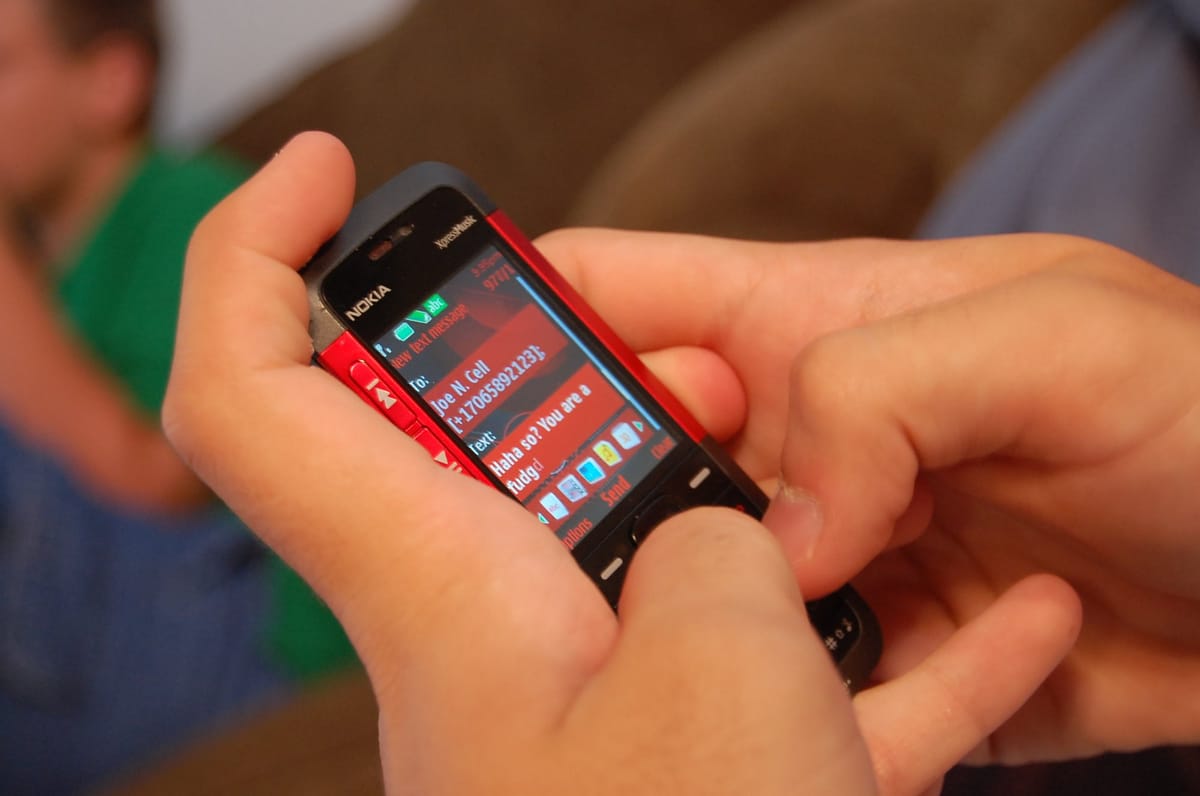
Promotional texts from shops, betting companies, short codes and “content providers” can fill your inbox. MTN’s Do Not Disturb service lets you block them by sender, free of charge.
Block a sender
- Open your messages app.
- Create a new SMS to 1309.
- Type Block followed by the sender’s name, short code or number exactly as it appears. Examples:
Block Jumia,Block 1444. - Send. You’ll get a confirmation.
Unblock a sender
Send Allow plus the sender to 1309, for example Allow Jumia.
See your blocked list
Send Check to 1309.
| To… | Text to 1309 |
|---|---|
| Block a sender | Block [sender] |
| Unblock a sender | Allow [sender] |
| View blocked list | Check |
Stop paid subscriptions too
If texts come with deductions from your airtime, you may be subscribed to a paid service. Blocking the sender doesn’t cancel the subscription; cancel it separately (see our guide below).
Other networks and your phone
- On Android, long-press a message thread › Block (or Spam).
- On iPhone, open the message › tap the sender › Block this Caller; turn on Settings › Apps › Messages › Filter Unknown Senders.
- Telecel and AT customers: ask customer care about their do-not-disturb options.
Related guides
Checked against official help pages on 10 November 2026. Menus and codes change; if something looks different, dial the main menu or contact your network.
Common questions
How do I stop promotional SMS on MTN?
Text Block followed by the sender name or number to 1309, for example “Block Jumia” or “Block 1444”.
Is MTN Do Not Disturb free?
Yes, MTN says the service has no charges.
How do I see what I’ve blocked?
Send Check to 1309.
How do I unblock a sender?
Send Allow followed by the sender name or number to 1309.


