

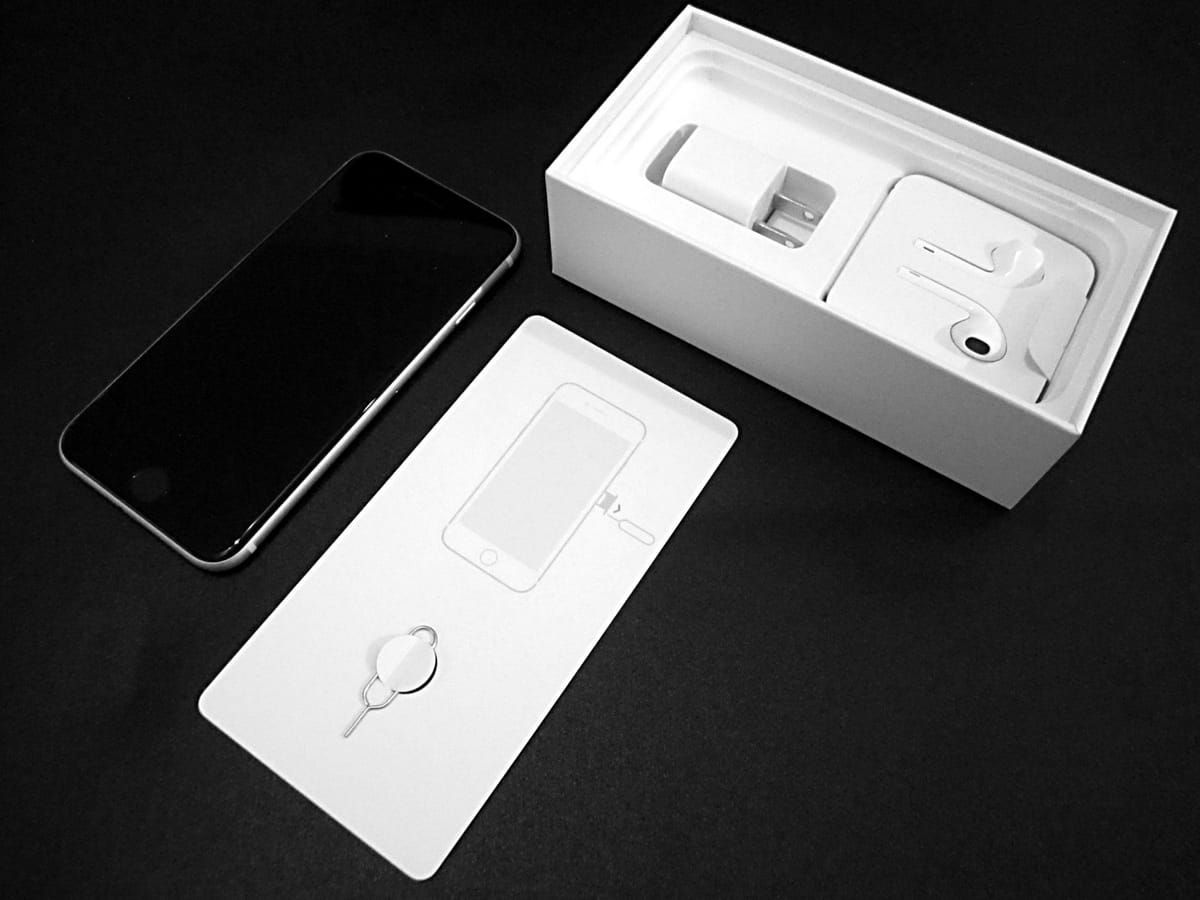
Whether it’s brand new or “UK used”, take these steps in your first hour with a new iPhone.
Before you pay (used iPhones)
- The seller must sign out of their Apple Account and turn off Find My in front of you.
- Insert your SIM to check it isn’t locked to a foreign network.
- Check Battery Health and Settings › General › About › Parts and Service History.
The checklist
- Transfer data with Quick Start (iPhone to iPhone) or Move to iOS (from Android).
- Use your own Apple Account, never one created by the seller.
- Turn on Find My iPhone and Stolen Device Protection.
- Set a 6-digit passcode and Face ID.
- Turn on iCloud Backup (Settings › your name › iCloud).
- Restore WhatsApp from iCloud backup; turn on two-step verification.
- Set up your SIM or eSIM (MTN, Telecel and AT offer eSIM).
- Update iOS (Settings › General › Software Update).
- Save data: Settings › Mobile Service › Mobile Data Options › Low Data Mode; App Store › turn off app updates over mobile data.
- Install MoMo and banking apps only from the App Store.
If an iPhone shows “iPhone Locked to Owner” during setup, stop. Only the original owner can remove Activation Lock.
Related guides
Checked on 10 November 2026. Menus and bank products change; confirm details with the provider.
Common questions
How do I move data from my old iPhone?
Use Quick Start: place the old iPhone next to the new one and follow the prompts.
Can I move from Android to iPhone?
Yes, with Apple’s Move to iOS app during setup.
What should I check on a UK-used iPhone?
That Activation Lock is off, it’s not network-locked, and battery health and parts history look right.
How do I stop my iPhone eating data?
Turn on Low Data Mode, limit iCloud and App Store downloads to Wi-Fi, and turn off Background App Refresh for heavy apps.


