

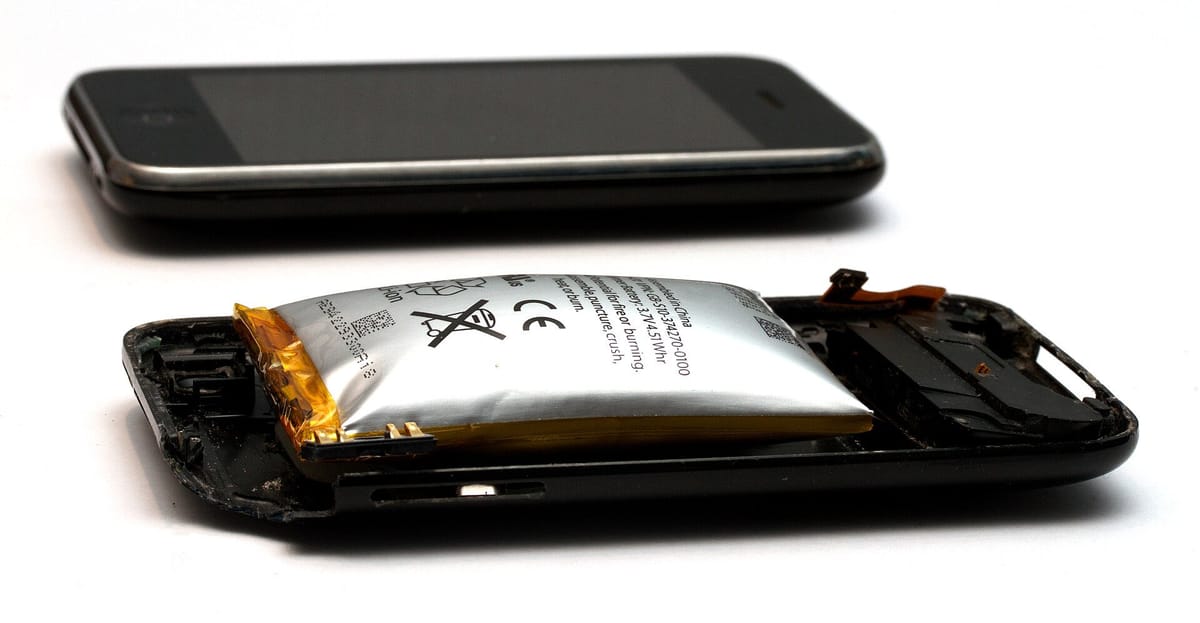
Battery health tells you how much capacity your iPhone battery has left compared with when it was new. It matters for your phone, and even more when you’re buying a used or “UK used” iPhone.
Check battery health
- Open Settings.
- Tap Battery.
- Tap Battery Health & Charging (or Battery Health).
- Look at Maximum Capacity.
What the numbers mean
| Maximum capacity | What it means |
|---|---|
| 95–100% | Like new |
| 85–94% | Good for a used phone |
| 80–84% | Getting worn; budget for a replacement |
| Below 80% | Worn; shorter battery life, possible slowdowns |
Cycle count (iPhone 15 and later)
Go to Settings › General › About and scroll to Battery to see the cycle count, manufacture date and first use. Apple designs recent batteries to keep about 80% capacity at 1,000 cycles (older models: 500).
Spot a non-genuine battery
- Settings › General › About › Parts and Service History: shows parts replaced, and flags “Unknown Part” for non-genuine ones.
- A “Service” or “Unknown Part” notice in Battery settings.
- Battery health shows 100% on an old phone with heavy use; a quick replacement may have been fitted.
Make your battery last longer
- Turn on Optimised Battery Charging (or the 80% limit on iPhone 15+).
- Avoid heat: don’t charge in direct sun or on a car dashboard.
- Use good-quality chargers and cables.
- Use Low Power Mode during long days or dumsor.
Related guides
Checked on 10 November 2026. Menu names differ slightly between phone brands and software versions.
Common questions
Where do I check iPhone battery health?
Settings › Battery › Battery Health & Charging (Battery Health on older iOS).
What battery health is good?
Above 85% is good for a used iPhone. At 80% or below, the battery is considered worn and may need replacing.
How do I see the cycle count?
On iPhone 15 and later: Settings › General › About › Battery. Older iPhones don’t show it in Settings.
How do I know if the battery is genuine?
If a non-genuine battery was fitted, Settings may show “Unknown Part” or a service message under Battery or Parts and Service History.


