

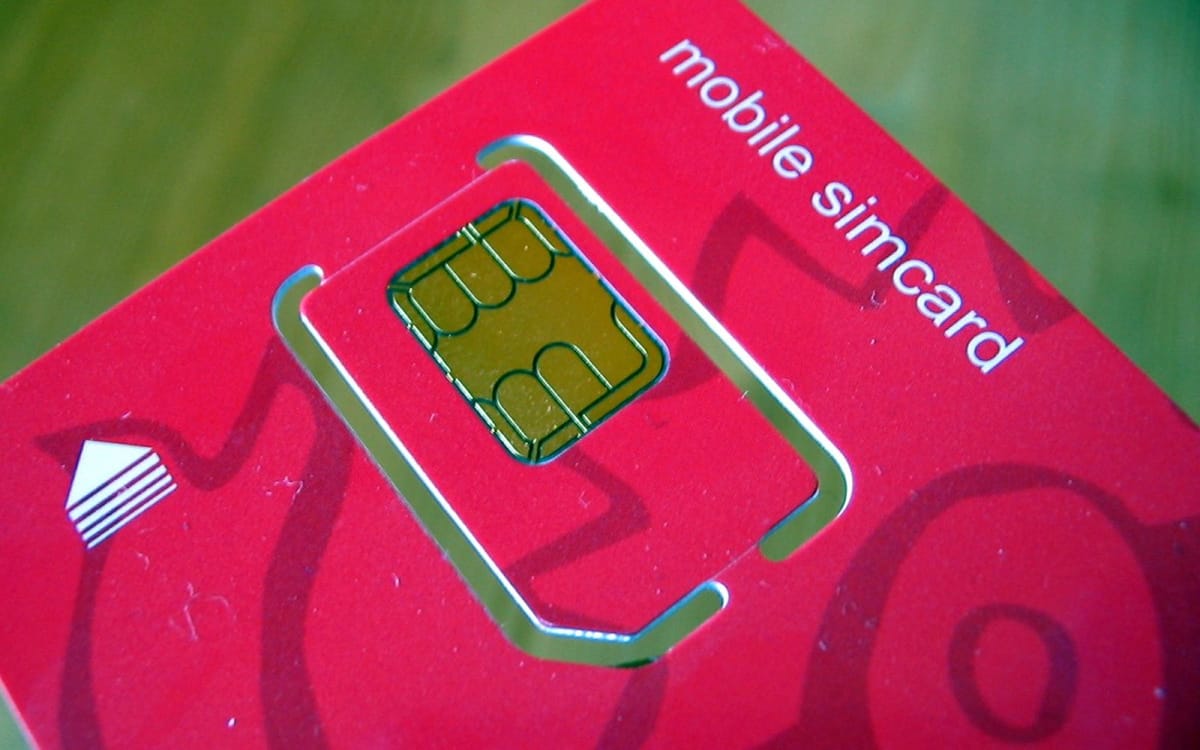
A lost SIM, a damaged SIM, or worse, a fraudulent SIM swap, can lock you out of WhatsApp. Here’s how to get back in and protect yourself.
If you lost or damaged your SIM
- Visit your network’s service centre with your Ghana Card and request a replacement SIM with the same number.
- Put it in your phone, open WhatsApp and verify your number with the SMS code.
- Enter your two-step verification PIN if you set one.
- Restore your chat backup from Google Drive or iCloud when asked.
If you suspect a fraudulent SIM swap
Signs: your phone suddenly shows “No service” or “Emergency calls only” while others have network, and you get messages about SIM changes.
- Call your network immediately from another phone and block the SIM.
- Call MoMo and your bank to secure your accounts. See SIM swap fraud.
- Get your number back with a replacement SIM.
- Verify WhatsApp again and check linked devices.
- Warn your contacts not to send money to anyone using your WhatsApp.
Why two-step verification matters
With two-step verification on, a fraudster who gets your SIM still needs your 6-digit PIN to use WhatsApp. Set it now and add a recovery email.
Changing to a new number instead?
Use WhatsApp’s built-in Change number feature so your chats move with you.
Still locked out? See recover your WhatsApp account and verification code not received.
What to bring to the network office
- Your Ghana Card.
- The phone number and, if possible, recent airtime or MoMo details to prove ownership.
- A police report if the SIM was stolen.
Contact your groups
If fraudsters used your WhatsApp, post a warning in family and work groups once you’re back in, and report any money requests.
Keep backups
Turn on daily WhatsApp backups to Google Drive or iCloud so you can restore chats on any phone.
This guide was checked in October 2026. Menus and services change, so if something looks different on your phone, check with your provider.
Common questions
Can I get my WhatsApp back with a replacement SIM?
Yes. Get a replacement SIM with the same number from your network (with your Ghana Card), then verify WhatsApp with the SMS code.
Will I lose my chats?
Not if you had a Google Drive or iCloud backup. Restore it when setting up WhatsApp.
What if a fraudster did a SIM swap?
Call your network immediately to block the SIM, then get it back and re-verify WhatsApp. Two-step verification stops them using your WhatsApp even with your SIM.
How long can I wait before losing my WhatsApp account?
WhatsApp may delete accounts inactive for about 120 days. Recover it as soon as possible.


