

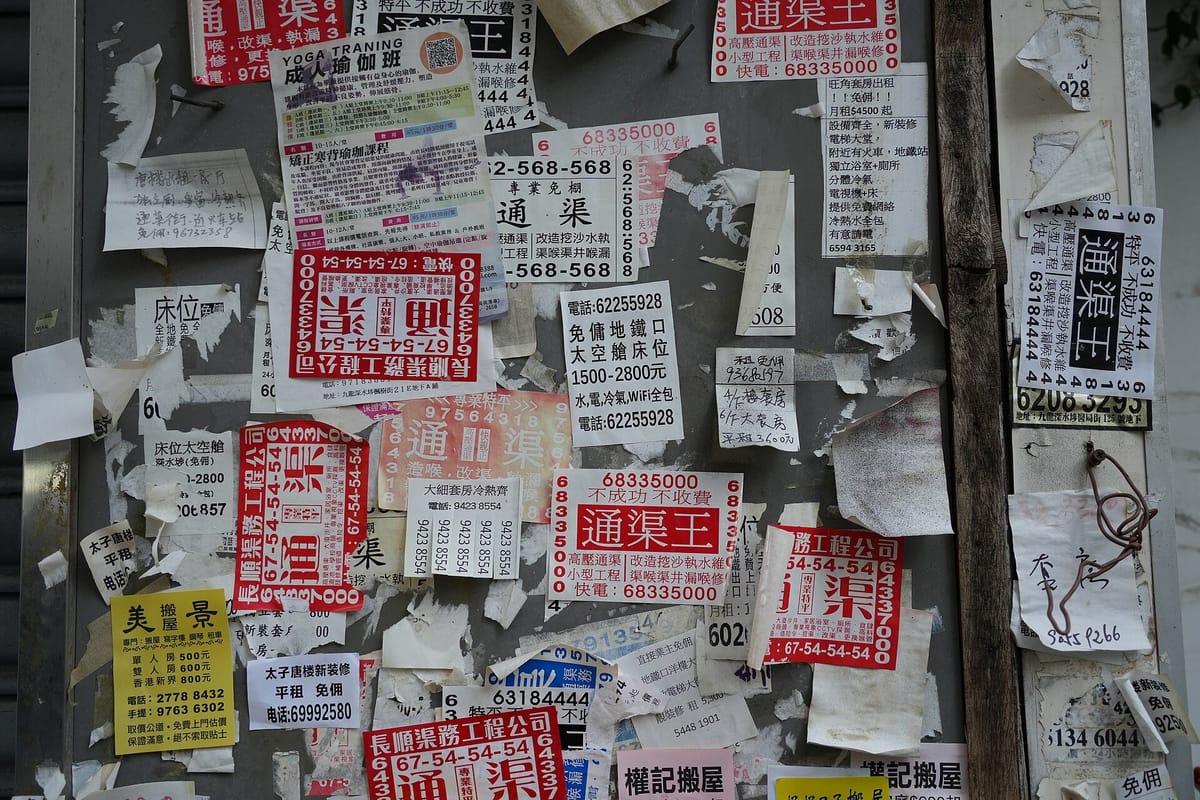
Church programmes, birthday parties, shop promotions and funerals all need flyers. You can make a professional one on your phone in 20 minutes, for free.
1. Pick the right size
| Where it’s going | Size in Canva |
|---|---|
| WhatsApp status / TikTok / Instagram Story | 1080 × 1920 (Story) |
| Instagram/Facebook post | 1080 × 1080 or 1080 × 1350 |
| Printed A5/A4 flyer | A5 or A4 Flyer |
2. Start from a template
- Open Canva and search “church flyer”, “birthday flyer”, “sale flyer”.
- Pick a template with a layout you like (you’ll change colours and photos).
3. Make it yours
- Replace photos: tap the image › Replace › upload your photo.
- Edit text: tap and type. Keep the most important info biggest (event name, date, place).
- Change colours to your church or brand colours.
- Add your logo and phone/WhatsApp number.
4. Follow these design rules
- One main message. Too much text kills flyers.
- Big, readable fonts; no more than two font styles.
- High contrast: dark text on light, or light on dark.
- Check spelling, dates, times and phone numbers twice.
5. Download and share
Tap Share › Download: PNG for WhatsApp/social media, PDF Print for printing.
Don’t copy photos of celebrities or other people’s designs without permission. Use your own photos or the free elements inside the app.
Related guides
Checked on 10 November 2026. Menus and bank products change; confirm details with the provider.
Common questions
What is the best free app to make flyers?
Canva’s free plan is the easiest, with thousands of templates. Adobe Express is another option.
What size is best for WhatsApp status?
A vertical 1080 × 1920 design (Instagram Story/Status size).
Can I print a flyer made on my phone?
Yes. Download as PDF Print (or high-quality PNG) and send to the printer.
Can I use any photo from Google?
No. Use your own photos or free licensed images in the app to avoid copyright problems.


