

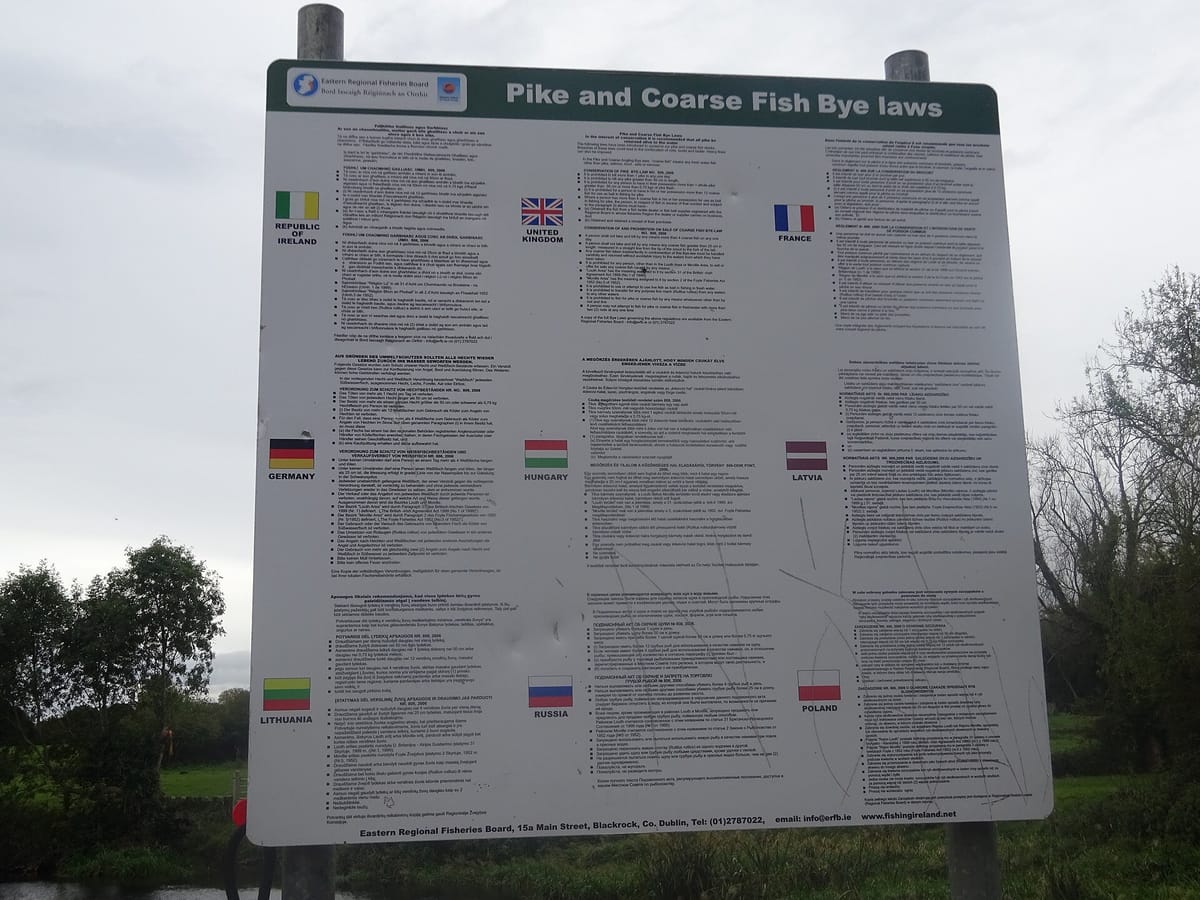
Google Lens can read and translate text through your camera: product labels, menus abroad, a letter in French, or a document from a client. It’s free on Android and iPhone.
Translate with your camera
- Open Google Lens: the camera icon in the Google search bar, the Google app or Google Photos. (On iPhone, use the Google app.)
- Tap Translate.
- Point at the text. The translation appears on top of the original.
- Tap the languages at the top to change them.
Translate a photo or screenshot
- Open the image in Google Photos.
- Tap Lens.
- Tap Translate.
Copy text from an image
In Lens, choose Text, select the words and tap Copy. Useful for copying an account number or address from a photo.
Use it offline
- Open the Google Translate app.
- Tap your profile › Downloaded languages.
- Download the languages you need before travelling.
Ghanaian languages
Google Translate supports Twi and Ewe, and Google added Twi voice input in 2024. Quality is improving but not perfect; double-check important messages with a fluent speaker.
Related guides
Checked on 10 November 2026. Menu names vary slightly by phone brand and software version.
Common questions
How do I translate with my camera?
Open Google Lens (or the Translate app’s Camera), choose Translate, and point at the text.
Can I translate a screenshot?
Yes. Open it in Google Photos and tap Lens › Translate.
Does Google Translate support Twi and Ewe?
Google Translate supports Twi and Ewe; check its language list for others.
Can I translate without internet?
In the Translate app, download offline languages. Not every language is available offline.


