

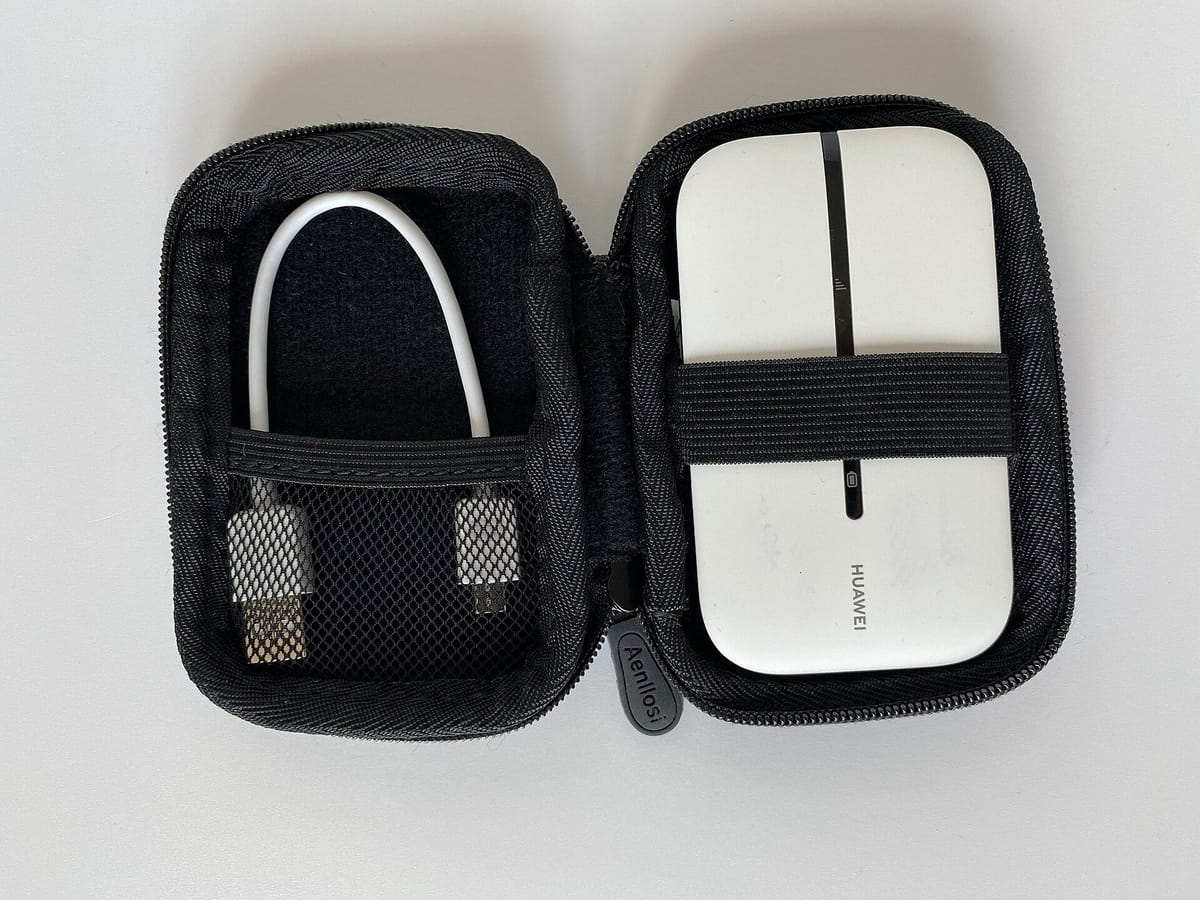
If your data is finishing faster than expected, someone else may be on your hotspot. Here’s how to find, change and protect your hotspot password.
Samsung Galaxy
- Settings › Connections › Mobile Hotspot and Tethering.
- Tap Mobile Hotspot (the words, not the switch).
- Tap Password to view or change it. Save.
- Connected devices are listed on the same screen.
Tecno, Infinix, Xiaomi, Pixel and other Android
- Settings › Network & internet (or Connection & sharing) › Hotspot & tethering › Wi-Fi hotspot.
- Tap Hotspot password to view or change it.
- Set security to WPA2 or WPA3, never “None”.
iPhone
- Settings › Personal Hotspot.
- Tap Wi-Fi Password and enter a new one.
- Turn off Allow Others to Join when you’re not using it.
Stop people using your data
- Change the password and everyone is disconnected.
- Turn off the hotspot when you’re done.
- Set a data limit or timeout in hotspot settings (Android).
- Rename the hotspot so it doesn’t show your name or phone model.
If you share a hotspot with a laptop, Windows updates and cloud backups can use gigabytes quickly. Set the connection as “metered” on the laptop.
Related guides
Checked on 10 November 2026. Menu names differ slightly between phone brands and software versions.
Common questions
Where do I find my hotspot password on Android?
Settings › Connections › Mobile Hotspot and Tethering › Mobile Hotspot (Samsung), or Network & internet › Hotspot & tethering on other Android phones. Tap the password to show it.
How do I change my iPhone hotspot password?
Settings › Personal Hotspot › Wi-Fi Password.
How do I see who is connected to my hotspot?
Android shows connected devices in the hotspot settings. iPhone shows the number of connections in Control Centre.
What makes a good hotspot password?
At least 12 characters, not your name or phone number. Change it if too many people know it.


