

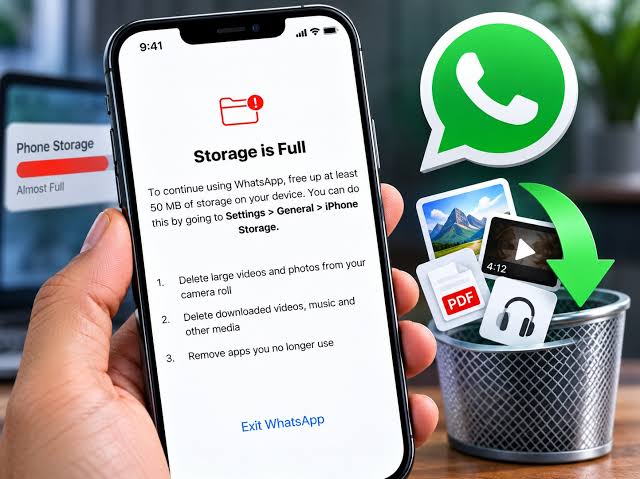
Busy groups, status videos and forwarded clips fill phones fast. WhatsApp has a built-in tool to clean up without deleting your conversations.
Step 1: Open Manage storage
WhatsApp → Settings → Storage and data → Manage storage. You’ll see:
- Larger than 5 MB: big videos and documents.
- Forwarded many times: viral videos and memes.
- Chats list: which chats and groups use the most space.
Step 2: Delete what you don’t need
- Tap Larger than 5 MB, sort by size, select items and delete.
- Do the same for Forwarded many times.
- Open the biggest groups and delete old media in bulk.
Deleting media doesn’t delete the text messages.
Step 3: Stop it filling up again
- Turn off media auto-download (also saves data).
- Turn on disappearing messages in busy groups you only skim.
- Save important photos to Google Photos or a computer, then delete them in WhatsApp.
Still full?
See phone storage full on Android or free up iPhone storage.
Where the space goes
Most WhatsApp storage is media: videos from groups, status downloads and voice notes. Your text messages take very little space. A single busy group can hold several gigabytes of videos.
Clear media from your gallery too
On Android, WhatsApp media also appears in your gallery (WhatsApp Images, WhatsApp Video folders). Deleting in Manage storage removes them; on iPhone, check if “Save to Photos” is on (Settings → Chats) and delete duplicates from Photos.
Backups and storage
- Google Drive and iCloud backups don’t use phone space, but they use cloud space and data.
- Turn off “Include videos” in Chat backup to make backups smaller and faster.
- Back up before big clean-ups, just in case.
Problems and fixes
- Space not freed after deleting: restart the phone; Android may take a moment to update storage figures.
- WhatsApp itself is large in app settings: that size includes media. Don’t “Clear data” in Android settings; it deletes your chats unless backed up.
Related WhatsApp guides
WhatsApp changes its menus from time to time and they differ slightly between Android and iPhone. If an option has moved, look for it under Settings → Privacy, Chats or Account, or update WhatsApp from the Play Store or App Store.
This guide was checked in October 2026. Menus and services change, so if something looks different on your phone, check with your provider.
Common questions
How do I see what WhatsApp is using?
Settings → Storage and data → Manage storage.
Will deleting media delete my messages?
No. You can delete photos, videos and documents while keeping the text messages.
How do I stop WhatsApp filling my storage?
Turn off media auto-download and use disappearing messages in busy groups.
What are “forwarded many times” files?
Files that have been forwarded a lot; they’re often memes and videos you can safely delete.


