

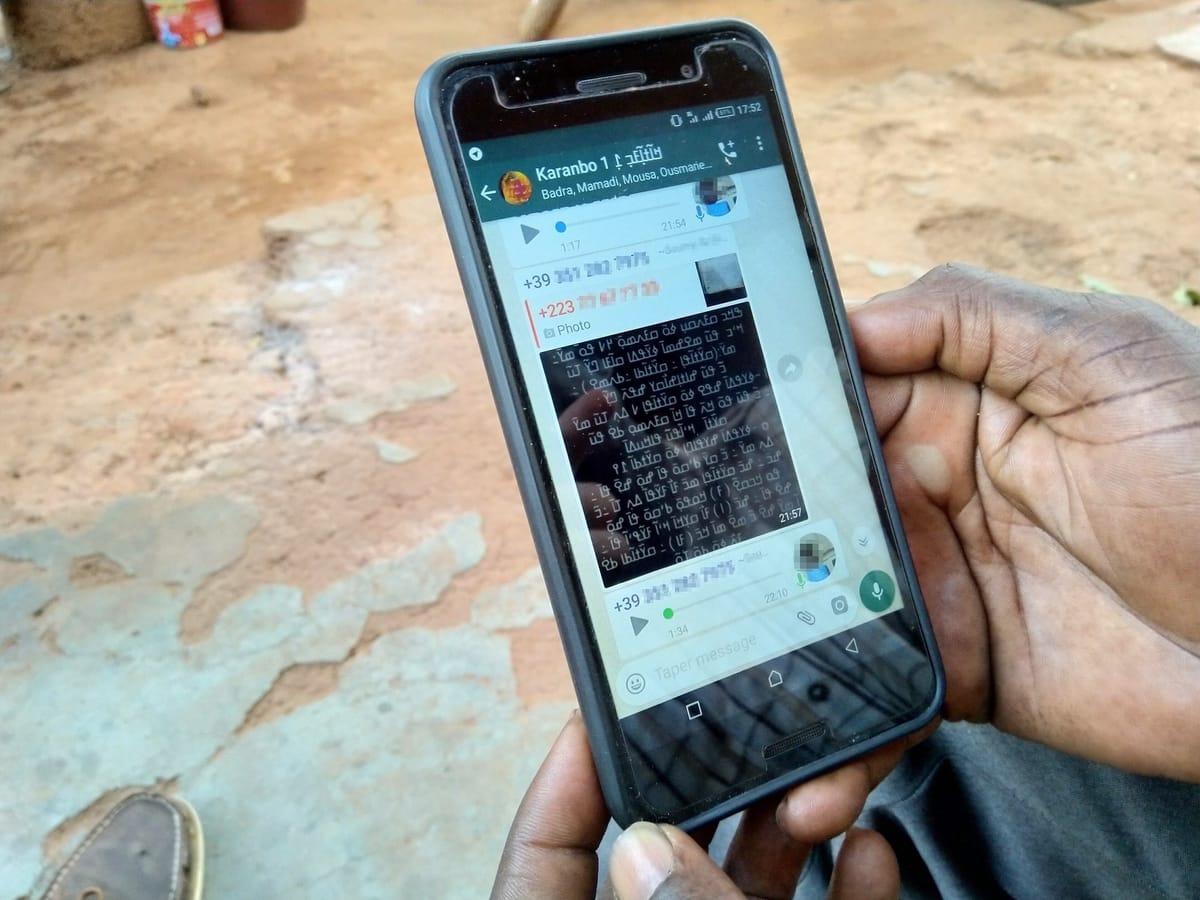
Joining a busy WhatsApp group used to mean starting blind: no idea what was planned before you arrived. WhatsApp’s Group Message History fixes that by letting the person who adds you share recent messages. It is rolling out gradually, so you may not see it yet.
How it works
- When you add someone to a group, WhatsApp offers to send recent messages to them.
- You choose how many, reportedly from 25 up to 100 recent messages.
- Nothing is shared automatically; someone must choose to send it, for each new member.
- Shared history stays end-to-end encrypted.
- Everyone in the group is notified, and shared messages are marked so they’re not confused with new ones.
- You can’t share history with someone after they’ve already been added.
How to share history when adding someone
- Open the group and tap the group name.
- Tap Add member and choose the contact.
- When WhatsApp asks, choose to share recent messages and pick how many.
- Confirm. The new member sees those messages at the top of their chat.
For admins: turn it off
- Open the group › tap the group name › Group permissions.
- Find the message history setting and turn it off for members.
- Admins can still share history when needed.
Think before sharing in church, family and work groups: old messages may include phone numbers, prayer requests, payment details or private matters.
Don’t see it yet?
- Update WhatsApp from Google Play or the App Store.
- WhatsApp says the rollout is gradual and may differ by country and device.
Related on Chale.tech
- How to create a WhatsApp group invite link
- Stop people adding you to WhatsApp groups
- WhatsApp chat lock
This guide reflects official information and news reports up to 10 November 2026. Details can change; check the official source before you act.
Common questions
Can new members see old WhatsApp group messages?
Only if someone chooses to share recent message history when adding them. It isn’t automatic.
How many messages can be shared?
Reports say between 25 and 100 recent messages.
Can admins turn it off?
Yes. Admins can stop regular members from sharing history; admins can still share it themselves.
Will everyone know history was shared?
Yes. WhatsApp notifies the group, and shared messages look different from new ones.


