“UK-used” and “home-used” phones are everywhere, from Circle to Kejetia to Instagram shops. Bought carefully, a used phone gets you a better device for your money. Bought in a rush, it can be locked to someone else’s account, have a dying battery, or be stolen.
Take 15 minutes and go through this checklist before you pay. A good seller will not mind. A seller who hurries you is telling you something.
1. The most important check: the account lock
Modern phones are locked to their owner’s account. If the previous owner did not remove it, the phone may work today but lock you out after a reset.
- iPhone: go to Settings and tap the name at the top. If someone else’s Apple ID is signed in, it is not ready to sell. Ask the seller to sign out and turn off Find My in front of you. Never accept “it will be removed later”.
- Android: go to Settings → Accounts (or Passwords & accounts). There should be no Google account from the previous owner. If the phone has been reset and asks for the previous owner’s Google account on setup, walk away.
2. Check the IMEI
- Dial *#06#. The phone shows its IMEI number (two numbers if it has two SIM slots).
- Compare it with the IMEI printed on the box, the SIM tray (on some models) and in Settings → About phone. They should all match.
- Mismatched numbers can mean replaced parts or a fake box.
Write the IMEI down and keep it with your receipt.
3. Put your own SIM in
Insert your SIM and make a call, send an SMS, and load a web page on mobile data. Check that the phone is not network-locked to a foreign carrier and that it shows full signal where your old phone did.
4. Check the battery
- iPhone: Settings → Battery → Battery Health & Charging shows maximum capacity. Below about 80% means the battery will need replacing soon. Budget for it in your offer.
- Android: some brands show battery health in settings or their own app. Otherwise, watch the percentage during your test. If it drops fast while you are just browsing, be suspicious.
- Look for a swollen battery: the back or screen lifting slightly from the frame. Do not buy a phone with a swollen battery.
5. Test the screen and touch
- Open a white page (a blank note) and look for dead pixels, yellow patches or shadows.
- Drag an app icon slowly across every part of the screen to check touch works everywhere.
- Check brightness goes up and down, and auto-rotate works.
- On some phones, a replaced screen shows a warning in settings, such as “Unknown part” on newer iPhones.
6. Test everything else
- Cameras: take photos and a video with the front and back cameras. Switch between lenses.
- Speakers and microphone: play a voice note, record one, make a call on speaker.
- Charging port: plug in a charger and wiggle the cable gently. Charging should not cut in and out.
- Buttons: volume, power, mute switch.
- Fingerprint or face unlock: set it up and try it.
- Wi-Fi and Bluetooth: connect to a hotspot and a Bluetooth device.
7. Check the body for signs of trouble
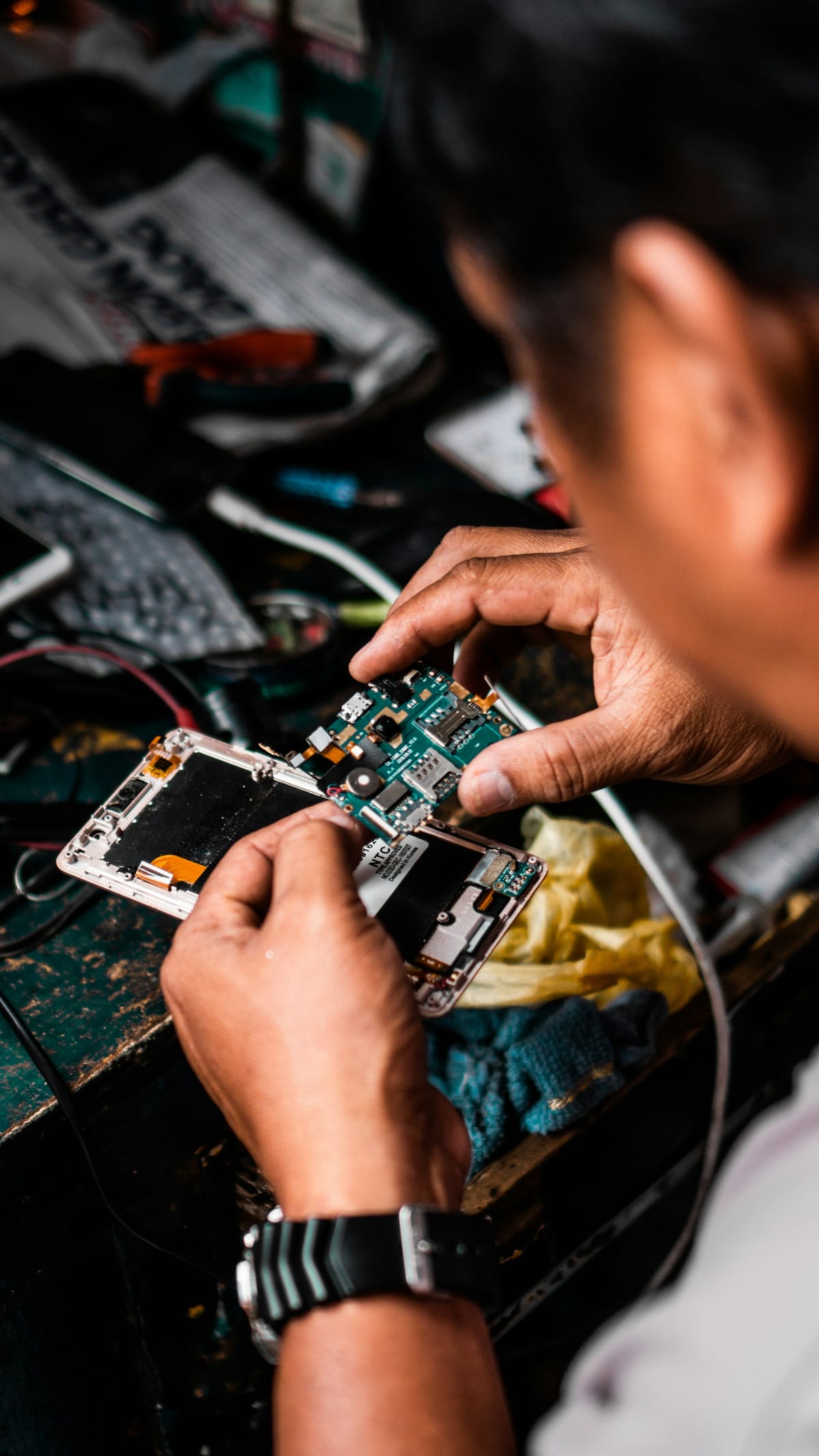
- Screws or edges that look scratched or forced can mean the phone has been opened.
- Moisture indicators inside the SIM tray (on some models) change colour if the phone got wet.
- Dents and bent frames can mean a drop that damaged parts inside.
8. Protect yourself on payment
- Buy from a shop with a physical address, or meet in a public place.
- Ask for a written receipt with the shop name, phone model, IMEI and any warranty period.
- Ask what the warranty or return policy is, even if it is only a few days.
- If the price is far below everyone else’s, ask yourself why.
If the seller won’t let you test it, don’t buy it.
After you buy
- Reset the phone to factory settings yourself and set it up fresh with your own account.
- Turn on Find My (iPhone) or confirm Find Hub is on (Android).
- Set a screen lock and move your WhatsApp across with the official transfer.
This guide was checked in October 2026. Menus and services change, so if something looks different on your phone, check with your provider.
Common questions
What does “UK-used” really mean?
It usually means a phone previously owned abroad and imported for resale. Condition varies a lot, so test it as carefully as any used phone.
Is a refurbished phone better than a used one?
A properly refurbished phone has been checked and repaired, and often comes with a warranty. Ask what was replaced and what warranty is offered.
The battery health is 78%. Should I still buy it?
You can, if the price reflects that the battery will need replacing soon. Ask for a discount or budget for a replacement from a trusted repairer.
How do I know the phone is not stolen?
Watch for a phone still locked to someone else’s account, mismatched IMEI numbers, no box or receipt, or a price far below market. Buy from sellers with a physical shop and a receipt.