

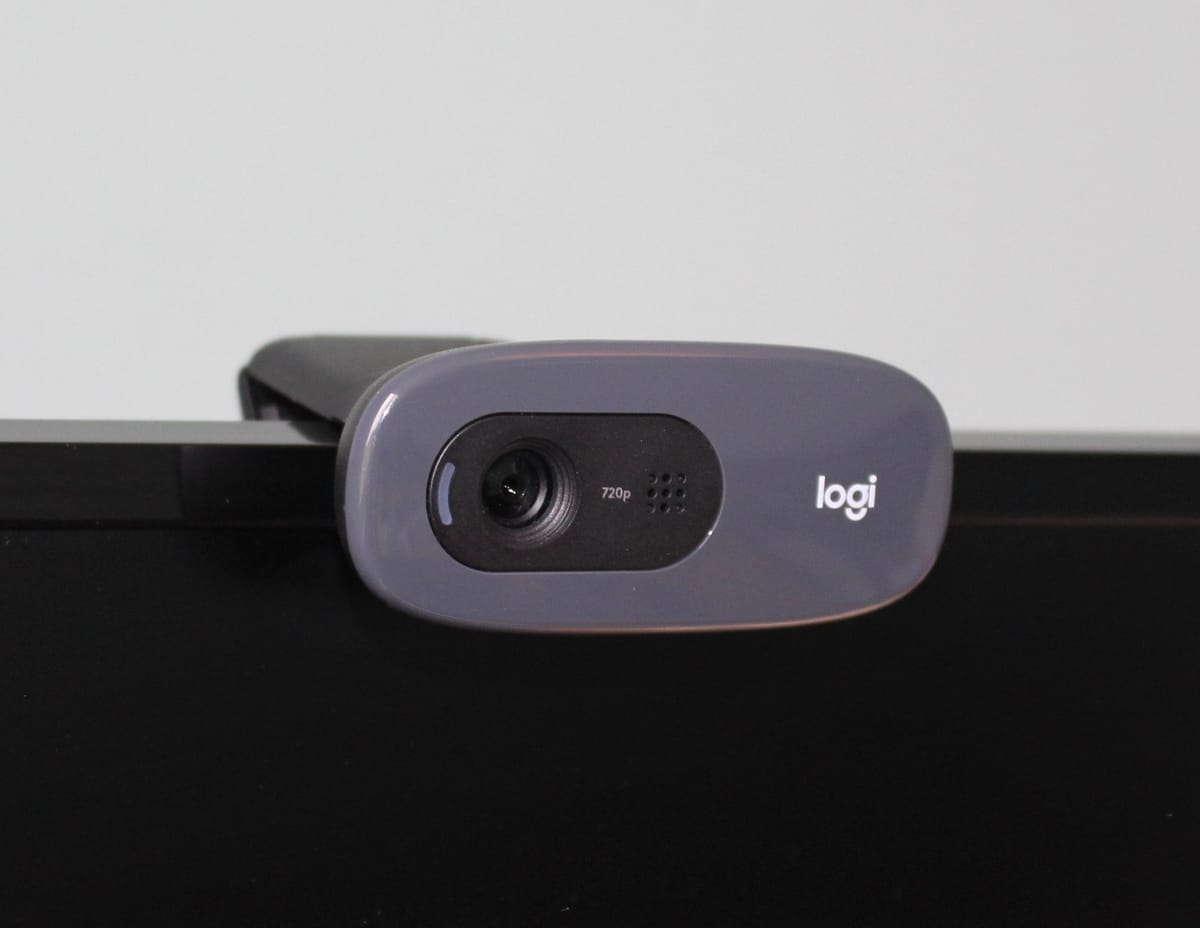
Most laptop webcams are blurry. Your phone camera is far better, and you can use it as a webcam for interviews, online classes and meetings.
Android phone (USB webcam mode)
- Connect the phone to the laptop with a USB cable.
- On the phone, tap the USB notification › choose Webcam (Android 14+ on many phones).
- In Zoom/Meet, choose the phone as the camera in video settings.
Windows 11 + Android (Phone Link)
Windows 11 can use some Android phones as a wireless webcam through Phone Link / Mobile devices settings (Settings › Bluetooth & devices › Mobile devices). Your phone must be supported.
iPhone + Mac (Continuity Camera)
With recent macOS and iOS, put the iPhone near the Mac (same Apple Account, Wi-Fi and Bluetooth on) and choose it as the camera in FaceTime, Zoom or Meet.
iPhone + Windows
Apple’s Continuity Camera only works with Mac. On Windows, use a well-known, trusted webcam app.
Tips for a good picture
- Use the rear camera if you can see the preview.
- Mount the phone at eye level (a cheap tripod or a stack of books).
- Face a window or light; don’t sit with a bright window behind you.
- Keep the phone charging.
Related guides
Checked on 10 November 2026. Menus and bank products change; confirm details with the provider.
Common questions
Can I use my Android phone as a webcam without an app?
Many Android 14+ phones support webcam mode over USB: plug in, then choose “Webcam” in the USB options.
Can I use an iPhone as a webcam on Windows?
Not with Apple’s Continuity Camera (Mac only). Use a trusted third-party app or Windows features where supported.
Is a phone camera better than a laptop webcam?
Usually yes: phone cameras are much sharper, especially the rear camera.
Does it use mobile data?
Not over USB. Wireless options use your Wi-Fi network, not mobile data.


