

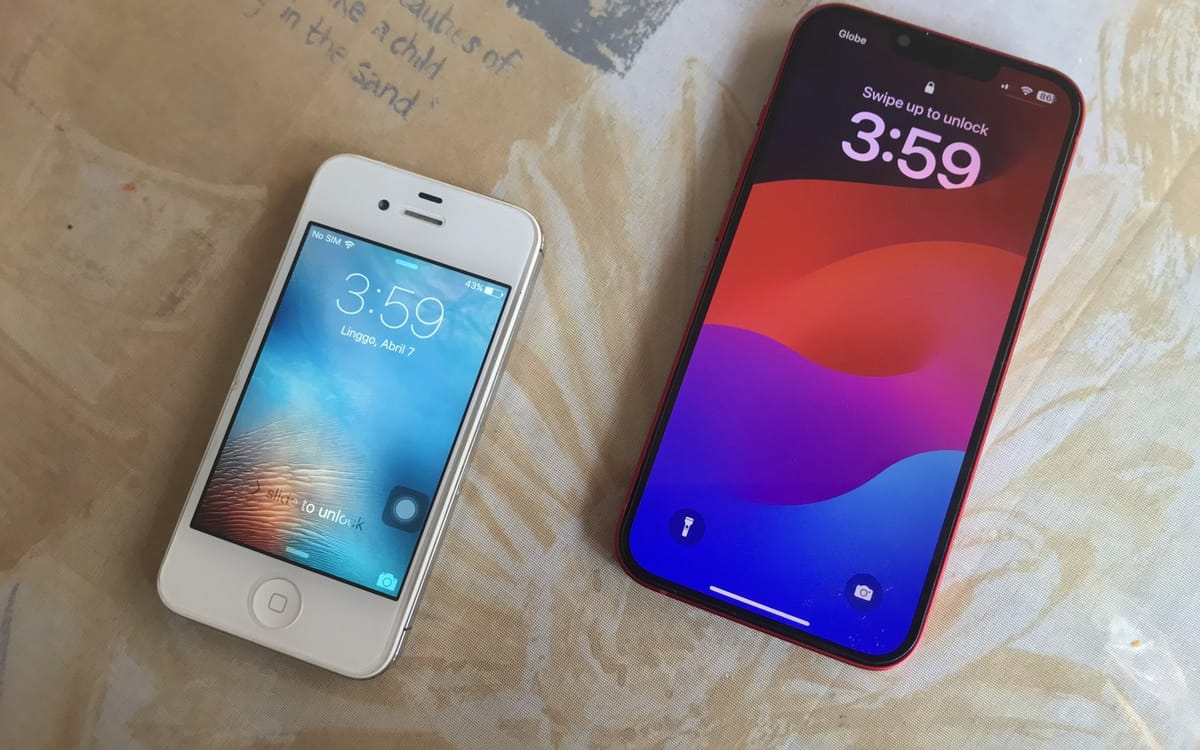
Apple makes moving to a new iPhone easy. There are two main ways: Quick Start (direct from your old iPhone) and restoring from an iCloud backup.
Before you start
- Update both iPhones to the latest iOS if possible.
- Charge both phones and connect to Wi-Fi.
- Back up WhatsApp: WhatsApp → Settings → Chats → Chat backup → Back up now.
- Know your Apple Account password.
Method 1: Quick Start (recommended)
- Turn on the new iPhone and place it next to your old one.
- On the old iPhone, a Set up new iPhone screen appears; tap Continue.
- Scan the animation on the new iPhone with the old one’s camera.
- Enter your old iPhone’s passcode on the new one and set up Face ID.
- Choose Transfer from iPhone. Keep the phones together until it finishes.
Method 2: iCloud backup
- On the old iPhone: Settings → your name → iCloud → iCloud Backup → Back Up Now.
- On the new iPhone, during setup choose Restore from iCloud Backup and sign in.
- Pick the latest backup and wait for it to finish over Wi-Fi.
Free iCloud is 5GB; you may need more space for a full backup.
After transferring
- Open WhatsApp and verify your number; restore the chat backup if asked.
- Sign in to banking and MoMo apps again (they often need re-verification).
- Check your eSIM or physical SIM is working.
- Before selling the old phone, erase it properly.
Coming from Android? See move WhatsApp from Android to iPhone.
This guide was checked in October 2026. Menus and services change, so if something looks different on your phone, check with your provider.
Common questions
What is the easiest way to move to a new iPhone?
Quick Start: place the old iPhone next to the new one during setup and follow the prompts.
Will WhatsApp chats move to my new iPhone?
Yes, if you back up WhatsApp to iCloud first and use the same phone number, or use Quick Start, which can bring WhatsApp data across.
How long does an iPhone transfer take?
From minutes to over an hour, depending on how much data you have. Keep both phones charging and close together.
Do I need Wi-Fi for Quick Start?
Wi-Fi is recommended, especially to download apps afterwards. Direct transfer between phones uses a local connection.


