

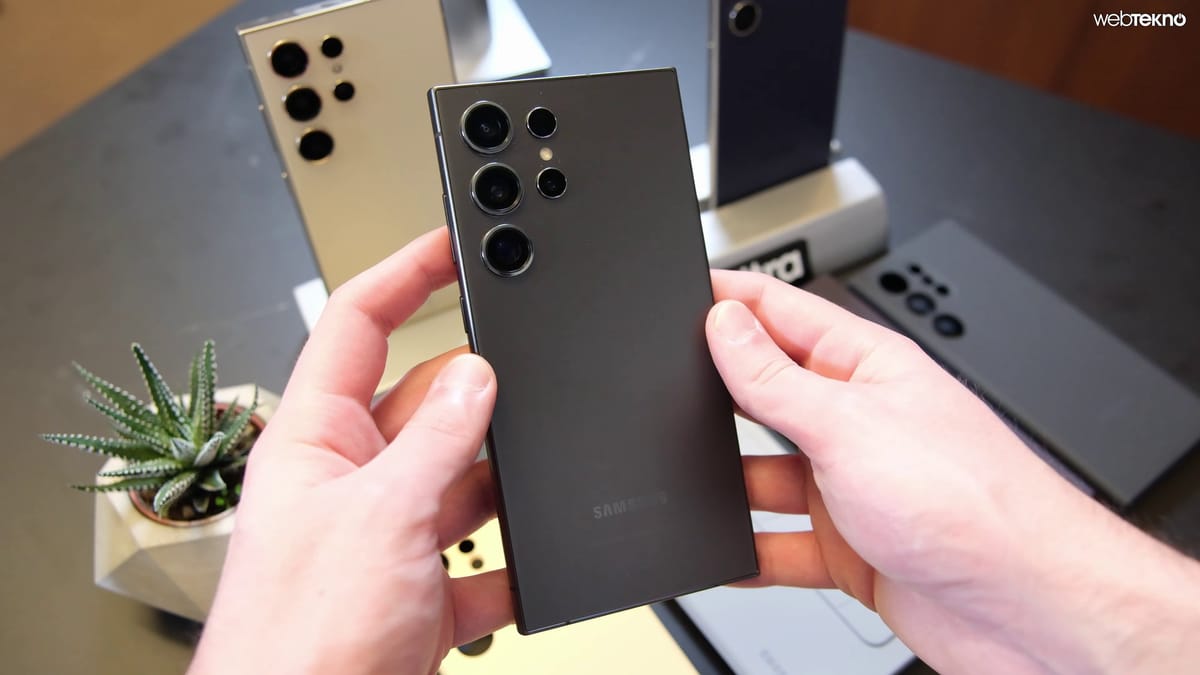
A screenshot is the quickest way to save a MoMo receipt, a chat or an error message. Here’s how on every common phone in Ghana.
iPhone
| iPhone type | Buttons |
|---|---|
| Face ID (iPhone X and later) | Side button + Volume up |
| Home button (iPhone SE, 8 and earlier) | Home button + Side (or top) button |
No buttons: Settings › Accessibility › Touch › Back Tap › Double Tap › Screenshot. Now tap the back of your phone twice.
Full page: tap the preview thumbnail › Full Page (Safari and some apps) to save a whole web page as PDF.
Samsung Galaxy
- Buttons: Volume down + Side button, pressed together briefly.
- Palm swipe: Settings › Advanced features › Motions and gestures › Palm swipe to capture. Swipe the side of your hand across the screen.
- Scrolling: after the screenshot, tap the scroll capture (down arrows) icon in the toolbar.
Tecno, Infinix, Xiaomi, Pixel and other Android
- Buttons: Power + Volume down.
- Three-finger swipe down: available on Tecno, Infinix and Xiaomi (turn on in Settings › gestures/shortcuts).
- Quick settings: pull down the notification shade › Screenshot tile.
- Long screenshot: tap Capture more or Long screenshot after taking it.
Edit and share
Tap the preview to crop, draw or hide private details (like account numbers) before sharing.
Related guides
Checked on 10 November 2026. Menu names differ slightly between phone brands and software versions.
Common questions
How do I screenshot on iPhone with Face ID?
Press the side button and volume up at the same time, then release.
How do I screenshot on Samsung?
Press volume down and the side (power) button together, or swipe the edge of your hand across the screen if Palm swipe is on.
How do I take a long (scrolling) screenshot?
Samsung: tap the scroll-capture arrow after taking a screenshot. Android 12+: tap Capture more. iPhone: tap the preview › Full Page (in Safari and some apps).
Where are screenshots saved?
iPhone: Photos › Screenshots. Android: Gallery or Photos › Screenshots folder.


