If there’s one spec that makes the biggest difference to how fast a laptop feels, it’s the drive. Here’s why.
The difference
| SSD | HDD | |
|---|---|---|
| How it works | Flash memory, no moving parts | Spinning disk and moving head |
| Speed | Very fast boot and app loading | Slow, especially on Windows 11 |
| Durability | Handles bumps better | Can be damaged by drops |
| Noise and heat | Silent, cooler | Some noise, warmer |
| Price per GB | Higher | Lower |
SSD types
- SATA SSD (2.5-inch): replaces old hard drives; big upgrade over HDD.
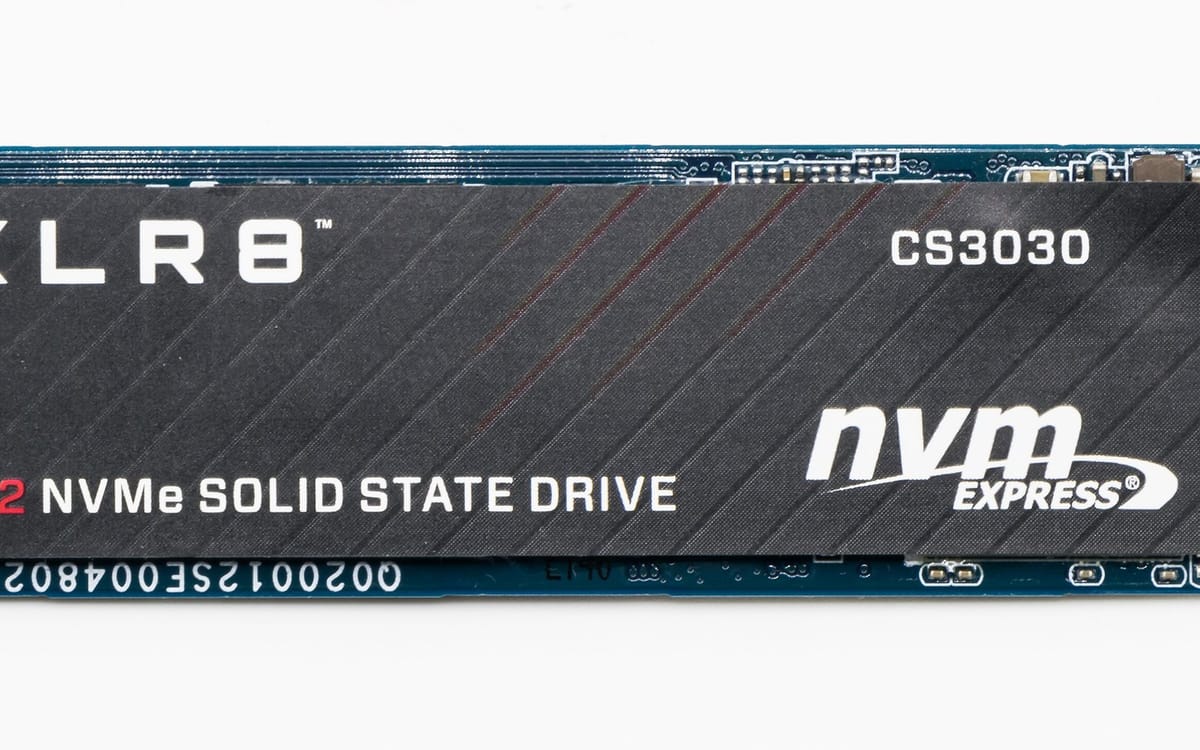
- NVMe SSD (M.2): several times faster than SATA; standard in modern laptops.
When HDD still makes sense
For cheap extra storage: external backup drives for photos and videos.
Upgrade an old laptop
- Back up your files: back up before reinstalling Windows.
- Buy the right SSD type for your laptop (check the model).
- Clone the old drive or do a fresh Windows install: reinstall Windows 11.
An old Core i5 laptop with an SSD and 8–16GB RAM can feel new again. See also speed up a slow Windows laptop.
When buying
Avoid any laptop with only an HDD as its main drive in 2026. See laptop buying guide Ghana.
How to check if your laptop has an SSD
- Open the Start menu and search Defragment and Optimize Drives.
- Look at “Media type”: it says Solid state drive or Hard disk drive.
Storage sizes explained
| Size | Suits |
|---|---|
| 128GB | Too small for Windows 11 plus apps; avoid |
| 256GB | Light users who store files in the cloud |
| 512GB | Most students and workers |
| 1TB | Video editors, gamers, large photo libraries |
Protect your data
SSDs are reliable but can still fail without warning. Keep backups: back up before reinstalling Windows and best free cloud storage.
This guide was checked in October 2026. Menus and services change, so if something looks different on your phone, check with your provider.
Common questions
Is SSD better than HDD?
For your main drive, yes. SSDs start Windows and apps several times faster and are tougher.
How much SSD storage do I need?
256GB minimum; 512GB is comfortable for most people.
Can I replace my laptop’s HDD with an SSD?
Usually yes for 2.5-inch drives. It’s one of the best upgrades for an old laptop.
What is NVMe?
A fast SSD type that connects directly to the motherboard (M.2 slot). It’s faster than SATA SSDs.