

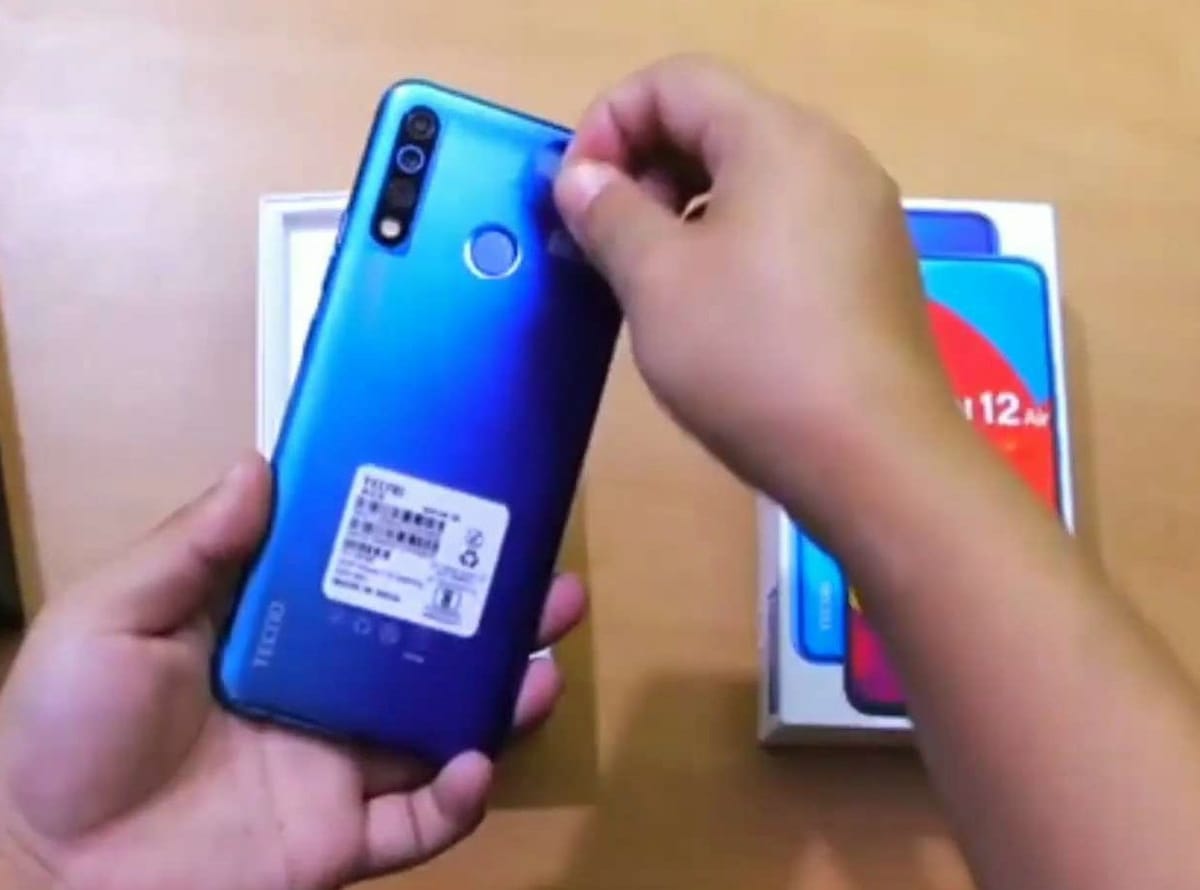
A new phone is exciting, but a few minutes of setup now saves you from lost data, scams and wasted bundles later.
The checklist
- Transfer your data during setup (copy from old phone) or with Samsung Smart Switch.
- Sign in to your Google account and check contacts sync.
- Set a strong screen lock (6+ digit PIN) and fingerprint/face unlock.
- Turn on Find My Device (Settings › Google › Find My Device).
- Update the phone (Settings › Software update).
- Restore WhatsApp from your Google Drive backup; turn on two-step verification.
- Set up MoMo and banking apps fresh from the Play Store, never from links.
- Turn on backups: Google One/Photos and WhatsApp.
- Remove bloatware and games you didn’t ask for.
- Save data: Play Store updates over Wi-Fi only; turn on Data Saver.
- Check battery settings: adaptive battery and charging protection.
- Record your IMEI (*#06#) and keep the receipt and box.
Selling or giving away the old phone?
- Remove your Google account and Samsung account.
- Factory reset.
- Remove SIM and memory card.
Keep your receipt and IMEI. You need them for warranty, police reports and blocking a stolen phone.
Related guides
Checked on 10 November 2026. Menus and bank products change; confirm details with the provider.
Common questions
How do I move data to my new Android phone?
During setup, choose to copy from your old phone (cable or Wi-Fi). Samsung users can use Smart Switch.
How do I move WhatsApp to a new phone?
Back up WhatsApp to Google Drive on the old phone, then restore during WhatsApp setup on the new one, or use chat transfer.
Should I remove preinstalled apps?
Uninstall or disable apps you don’t use; they take space and may show ads.
What security settings matter most?
Screen lock, Find My Device, Google account 2-step verification and Play Protect.


