

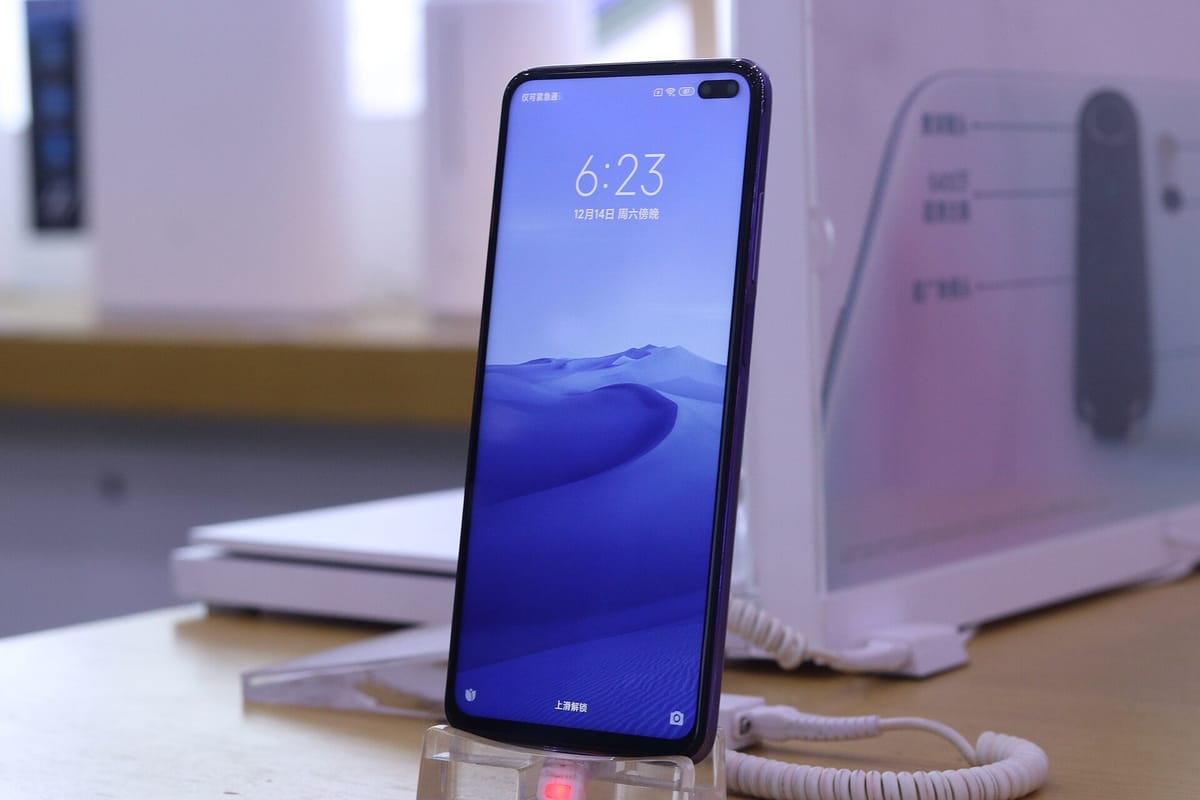
If your children, friends or a repairer use your phone, locking MoMo, banking, WhatsApp and Gallery adds a second layer of protection on top of your screen lock.
iPhone
- Touch and hold the app.
- Tap Require Face ID (or Touch ID/Passcode).
- Confirm. The app now needs Face ID every time it opens.
Samsung Galaxy
- Secure Folder: Settings › Security and privacy › More security settings › Secure Folder. Add apps inside; it has its own lock.
- Some One UI versions add per-app locking in Security settings; check your phone.
Tecno, Infinix, itel
Settings › Security › App lock (or the Phone Master app › App Lock). Choose apps and set a PIN or fingerprint.
Xiaomi / Redmi
Settings › Apps › App lock.
Other Android 15+
Use Private space (Settings › Security & privacy › Private space) to keep apps locked and hidden.
In-app locks
| App | Built-in lock |
|---|---|
| Settings › Privacy › App lock / Fingerprint lock; also Chat lock for single chats | |
| MoMo app | PIN/biometric login |
| Banking apps | PIN/biometric; never save your PIN in notes |
| Telegram | Settings › Privacy and Security › Passcode |
An app lock doesn’t replace a strong screen lock. Use a 6-digit PIN or more, not your birth year.
Related guides
Checked on 10 November 2026. AI tools and app menus change often.
Common questions
How do I lock an app on iPhone?
Touch and hold the app › Require Face ID.
How do I lock apps on Samsung?
Use Secure Folder, or a per-app lock if your One UI version offers it.
Do Tecno and Infinix have app lock?
Yes, usually in Settings › Security or Phone Master › App Lock.
Should I use third-party app lock apps?
Prefer built-in tools. Third-party lockers need wide permissions and some are adware.


