

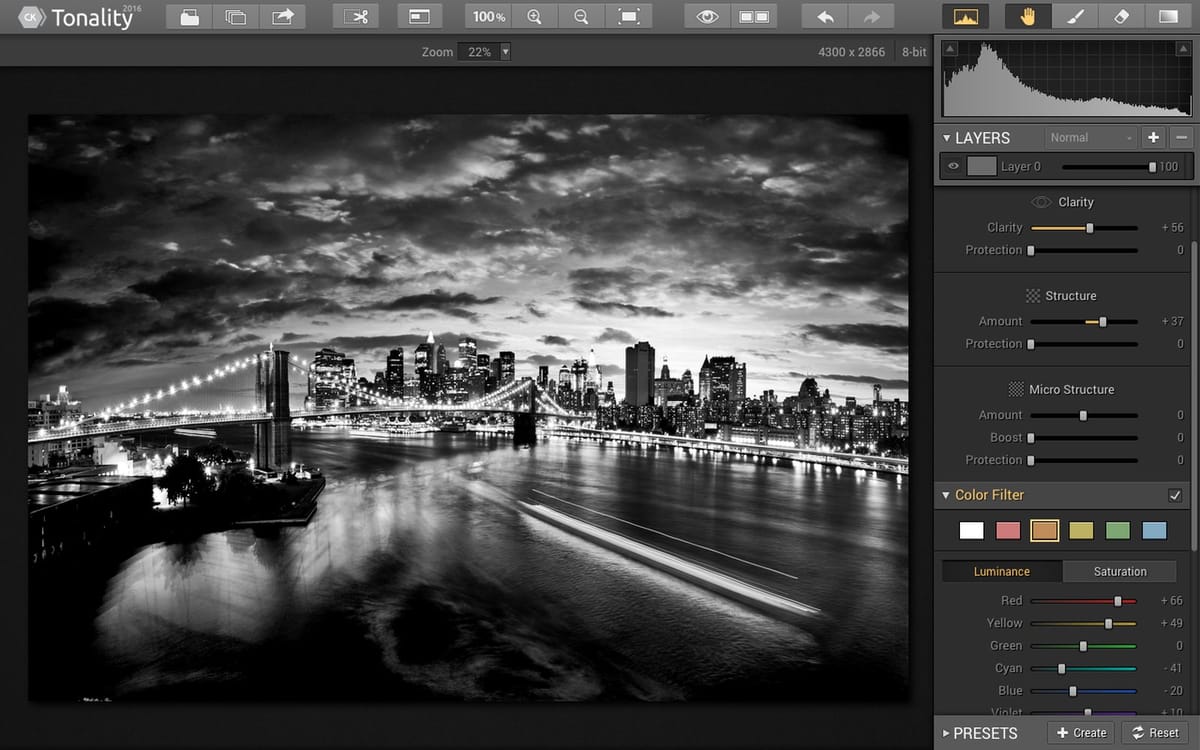
Photoshop is powerful but costly. Free tools can handle most photo editing and design work, from flyers to retouching.
Free plans and features change. We say which features need payment where we know; check each app’s current terms before relying on it.
| Tool | Runs on | Best for |
|---|---|---|
| Photopea | Any browser | Photoshop-like editing, PSD files |
| GIMP | Windows, Mac, Linux | Advanced photo editing, retouching |
| Krita | Windows, Mac, Linux | Digital painting and illustration |
| Canva | Browser, phone | Flyers, social posts, quick designs |
| Snapseed / phone editors | Android, iPhone | Quick photo touch-ups |
Which to learn
- Flyers and social media: Canva.
- Photo editing and PSD files: Photopea, then GIMP.
- Illustration: Krita.
- Logos (vector): Inkscape. See create a logo with AI.
Tips
- Learn layers and masks; they work similarly in all these tools.
- Use keyboard shortcuts to speed up.
- Avoid “cracked” Photoshop: it’s illegal and often carries malware. See install apps on a laptop safely.
Learning path: learn graphic design for free. Also: free alternatives to Microsoft Office.
Quick comparison for common tasks
| Task | Easiest free tool |
|---|---|
| Remove background | Canva (paid feature) or Photopea |
| Retouch a portrait | Photopea or GIMP |
| Design a flyer | Canva |
| Edit a PSD template | Photopea |
| Draw an illustration | Krita |
Learning resources
- YouTube tutorials for each tool.
- Official documentation for GIMP and Krita.
- Practise by recreating designs you like.
Hardware
GIMP and Krita run on modest laptops; 8GB RAM is enough for simple work, 16GB for large files.
This guide was checked in October 2026. Menus and services change, so if something looks different on your phone, check with your provider.
Common questions
What is the closest free alternative to Photoshop?
Photopea (in the browser) looks and works much like Photoshop; GIMP is a powerful free desktop editor.
Can Photopea open PSD files?
Yes, Photopea opens and saves PSD files.
Is Canva a Photoshop alternative?
For social media graphics and simple designs, yes. For detailed photo editing, use GIMP or Photopea.
Which is best on a low-end laptop?
Photopea in the browser or GIMP; both run on modest hardware.


