

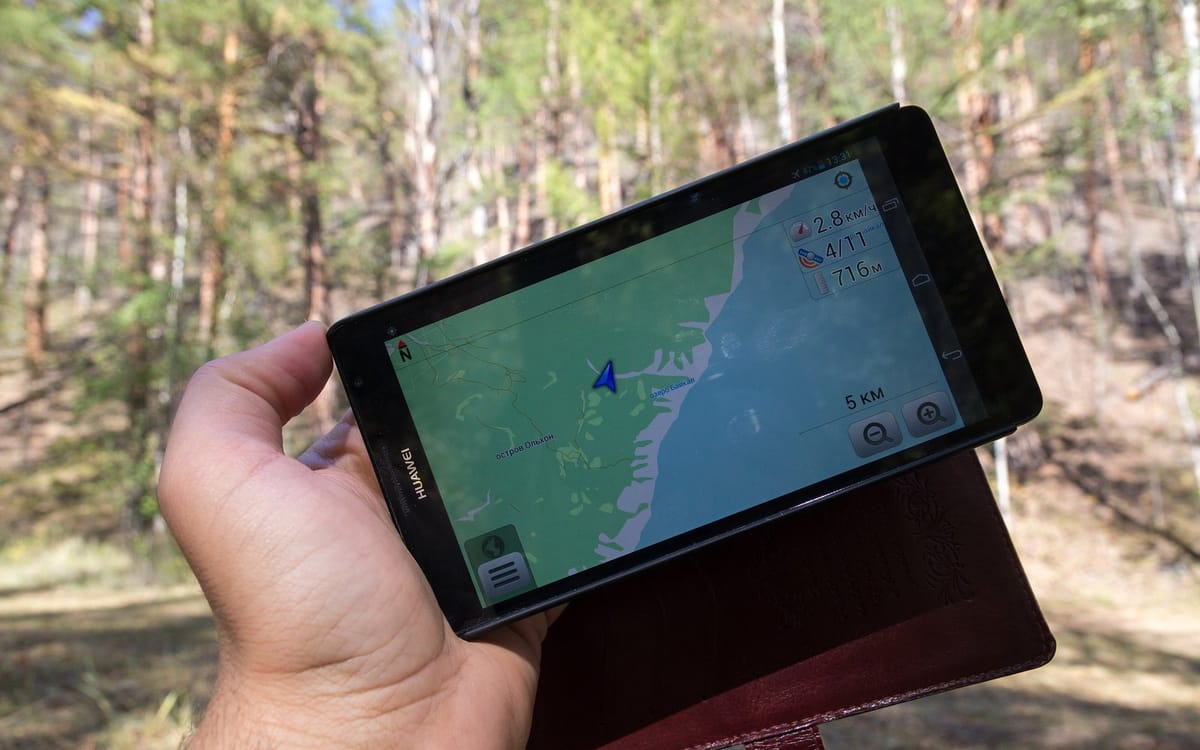
If your phone is lost or stolen, the first hour matters. Google and Apple both let you find, lock or erase it from another device, but only if the feature was turned on beforehand. Set it up today.
Set it up now
- Android: Settings → Google → Find My Device (or Find Hub) → turn on. Keep location on.
- iPhone: Settings → your name → Find My → Find My iPhone → on, plus “Find My network” and “Send Last Location”.
- Write down your IMEI: check your IMEI.
Find a lost Android phone
- On a computer or another phone, go to android.com/find or open the Find My Device / Find Hub app.
- Sign in with the Google account used on the lost phone.
- See its location, then choose: Play sound, Secure device (lock with a message and number), or Factory reset device (erase).
Find a lost iPhone
- Go to icloud.com/find or use Find My on another Apple device.
- Sign in with your Apple Account.
- Choose Play Sound, Mark As Lost (locks it and shows your message), or Erase This Device.
If it was stolen
- Don’t go after thieves yourself; give the location to the police.
- Call your network to block the SIM and protect your MoMo: lost or stolen phone: what to do first.
- Change your Google/Apple, email and banking passwords from another device.
- Report to the police with your IMEI.
Test it today
Sign in to android.com/find or icloud.com/find from a computer and make sure your phone appears. If it doesn’t, the feature isn’t set up correctly.
If the phone is offline
- Mark it lost anyway; actions apply when it reconnects.
- Note the last location and time for the police.
- Check Google Maps Timeline or iCloud for recent locations if enabled.
Protect your accounts
- Change your Google/Apple password.
- Sign out of WhatsApp on that phone by re-registering WhatsApp on a new SIM.
- Ask your bank and MoMo to block app access on the lost device.
This guide was checked in October 2026. Menus and services change, so if something looks different on your phone, check with your provider.
Common questions
How do I find my lost Android phone?
Go to android.com/find (or the Find My Device app on another phone) and sign in with the Google account on the lost phone.
How do I find a lost iPhone?
Go to icloud.com/find or use the Find My app on another Apple device.
Can I find my phone if it’s switched off?
You’ll see its last known location. Some newer phones can be found while off through the Find My or Find Hub network.
Should I erase my phone remotely?
Erase if you don’t expect to recover it and it has sensitive data. After erasing, you can’t locate it anymore.


