

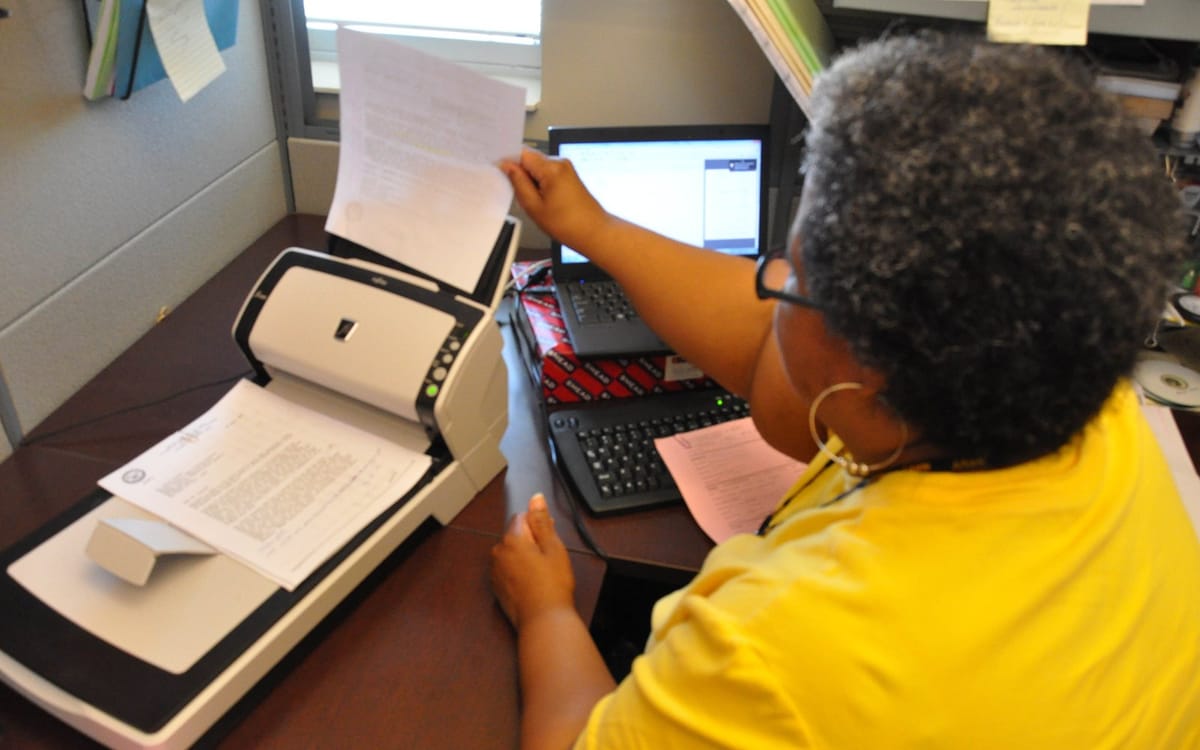
You don’t need a scanner machine to send certificates, IDs, receipts or assignments. Your phone does it in seconds.
Free plans and features change. We say which features need payment where we know; check each app’s current terms before relying on it.
Best options
| App | Platform | Why use it | Cost |
|---|---|---|---|
| Google Drive scan | Android | Auto-crop, saves as PDF to Drive | Free |
| Notes / Files scanner | iPhone | Built in, multi-page PDF | Free |
| Samsung camera / Notes | Samsung | Built-in document detection | Free |
| Adobe Scan | Android, iPhone | Good cleanup and text recognition | Free with paid extras |
| OneDrive scan | Android, iPhone | Microsoft’s replacement for Lens | Free (uses OneDrive storage) |
How to scan with Google Drive (Android)
- Open Google Drive → tap + → Scan.
- Point at the document; it captures automatically.
- Adjust edges, add pages, and tap Save as PDF.
How to scan on iPhone
- Open Notes → new note → camera icon → Scan Documents.
- Capture pages, then tap Save.
- Share as PDF.
Tips for clean scans
- Flat surface, good light, no shadows.
- Dark background behind white paper helps edge detection.
- Check all corners and text are visible.
- Compress big PDFs before emailing: compress a PDF.
Turning photos into a PDF? See convert images to PDF.
Scanning for applications in Ghana
- WAEC certificates, transcripts and Ghana Card: scan in colour at good resolution.
- Name files clearly: “Kofi-Asante-WASSCE-Certificate.pdf”.
- Check size limits on portals; compress if needed.
- Never post scans of IDs publicly.
Text recognition (OCR)
Some scanners (Adobe Scan, Google Lens) can detect text so you can copy or search it. Useful for turning printed notes into editable text.
Where to keep scans
Save important scans in a folder in Google Drive or OneDrive so you can resend them quickly from any device.
This guide was checked in October 2026. Menus and services change, so if something looks different on your phone, check with your provider.
Common questions
What is the best free scanner app?
Google Drive’s built-in scanner (Android) and the Notes/Files scanner (iPhone) are free, fast and have no watermarks.
Is Microsoft Lens still available?
No. Microsoft retired Lens in early 2026 and points users to OneDrive’s scan feature.
Can I scan to PDF without an app?
Yes, using Google Drive (Android) or Notes/Files (iPhone), which save straight to PDF.
Are scanned documents accepted for applications?
Usually, if clear and complete. Scan in good light, flat, with all four corners visible.


